How to Implement an AI Marketing Agent in Your Small Business
A practical, phased approach from setup to scaling.

You have done the research. You know what AI marketing agents are and why they matter. Maybe you have even picked a platform. Now comes the part where most small businesses stall: actually implementing the thing.
Implementation is where good intentions go to die. Not because it is impossibly hard, but because people either try to do too much at once or get stuck on setup details that do not matter yet. This guide gives you a clear, phased approach to getting your AI marketing agent operational, generating results, and scaling over time.
This article is part of our Ultimate Guide to AI Marketing Agents for Small Businesses, which covers the full landscape of AI marketing for small businesses.
Before You Start: The Pre-Implementation Checklist
Do not skip this part. The twenty minutes you spend here will save you hours of frustration down the road.
Define one clear goal. Not three. Not five. One. “Increase email open rates by 15% over the next 60 days” is a good goal. “Improve all our marketing” is not. AI agents optimize best when they have a specific target. You can always expand later, but starting focused gives the agent the best chance of producing results you can actually measure.
Audit your existing data. The agent needs data to learn from. Take stock of what you have: your email list (how clean is it?), your website analytics (is tracking set up correctly?), your CRM data (are records up to date?), and your social media accounts (are they connected to analytics tools?). If your data is messy, spend a day cleaning it up before you plug anything in.
Map your current marketing process. Write down what happens today. How do leads come in? What emails do they receive? How do you follow up? What content do you post and when? This map becomes your baseline. Without it, you will not know what the AI agent changed or whether those changes are working.
Get your team on board. If you have a marketing person, a VA, or anyone else who touches your marketing, loop them in early. Explain what the tool does, what it will handle, and what still needs a human touch. People resist tools they do not understand, and you need buy-in for this to work.
Phase 1: Setup and Integration (Week 1)
Choose Your Starting Channel
If you are not sure where to begin, start with email. Here is why: email has clear, measurable metrics (open rates, click rates, conversions), a direct connection to revenue, and relatively low risk if something goes wrong. A bad email is easy to recover from. A bad ad spend is money you do not get back.
Other good starting points depending on your business: paid ads (if you are already spending and want better returns), social media scheduling (if consistency is your biggest problem), or customer chat (if you are drowning in repetitive support questions).
Connect Your Data Sources
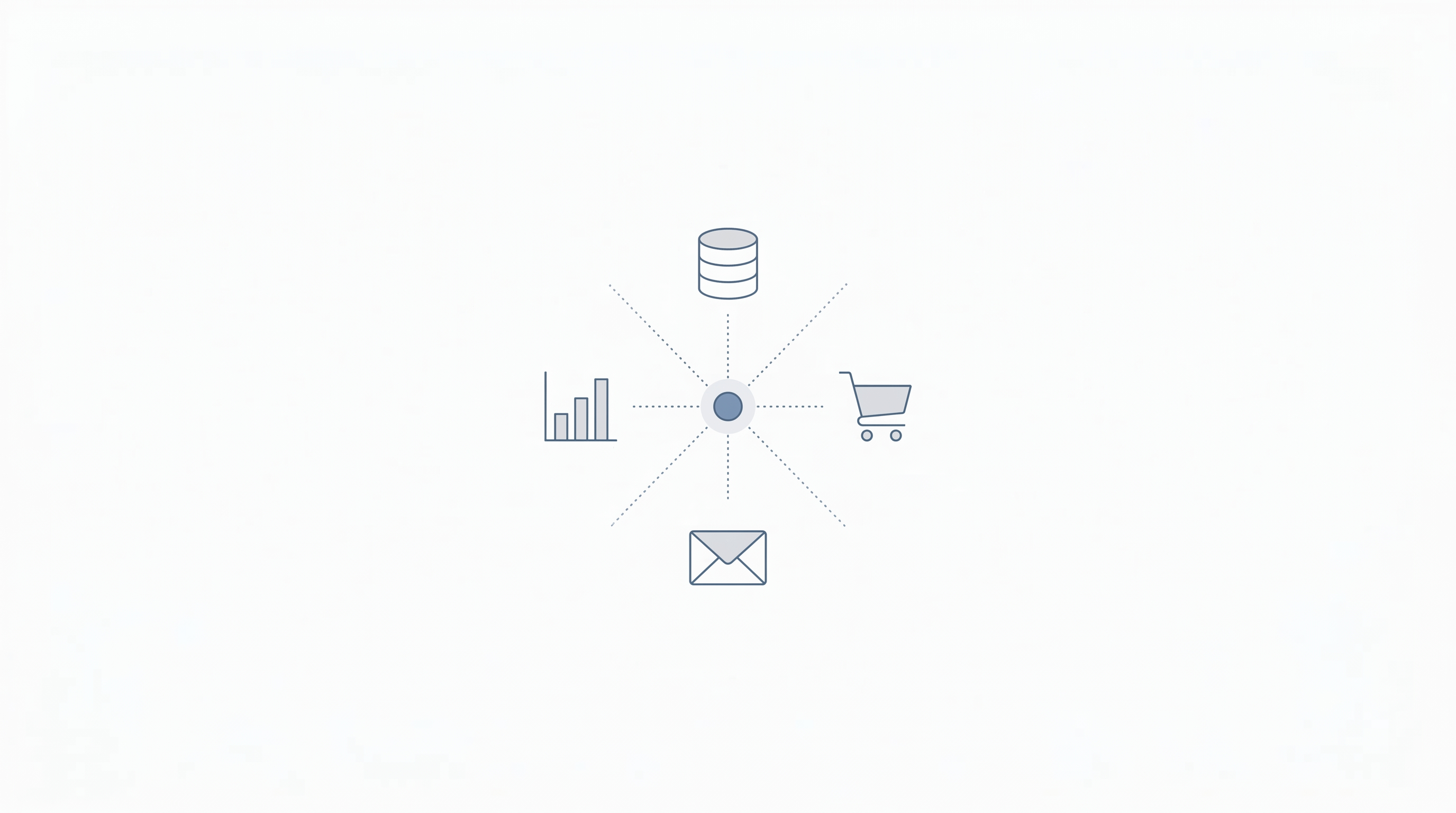
Most AI marketing platforms walk you through this with setup wizards, but here is what you will typically connect:
Your email service provider or CRM. Your website analytics (Google Analytics, or whatever you use). Your e-commerce platform if applicable (Shopify, WooCommerce, etc.). Your social media accounts. Your ad platforms (Google Ads, Meta Ads) if running paid campaigns.
The more data sources you connect, the more the agent has to work with. But you do not need everything on day one. Start with the sources relevant to your chosen channel and add others as you expand.
Configure Your Brand Guidelines
Most AI platforms let you set parameters for brand voice, tone, and messaging boundaries. Take the time to do this properly. Upload your style guide if you have one. Provide examples of content you like and content that does not represent your brand. Set any topics or phrases that are off-limits. This upfront investment means the AI generates content that sounds like you from the start, instead of producing generic output you have to heavily edit.
Phase 2: Testing and Calibration (Weeks 2 to 4)
Run a Controlled Test
Do not hand over your entire email list or ad budget to the AI on day one. Instead, run a controlled test. Pick a segment of your audience (maybe 20 to 30% of your email list) and let the agent manage campaigns for that group while you continue running things manually for the rest. Compare results after two to three weeks.
This approach gives you real performance data without risking your entire marketing operation on an unproven system.
Review the Output Daily (For Now)
During the first two weeks, check what the AI is doing every day. Read the emails it drafts. Look at the social posts it suggests. Review the audience segments it creates. You are not looking to micromanage. You are looking for patterns: Is the tone right? Are the recommendations sensible? Are there any obvious errors or blind spots?
Make adjustments as you go. Most platforms let you provide feedback directly (approve, reject, or edit suggestions), which helps the AI learn your preferences faster.
Track Your Baseline Metrics
Pull numbers for the specific metrics tied to your goal. If you are focused on email, track open rates, click-through rates, unsubscribe rates, and revenue from email. Record these numbers for both the AI-managed segment and your manually managed segment so you have a direct comparison.
Phase 3: Optimization and Expansion (Months 2 to 3)
Analyze Your First Month of Data
After 30 days of running, you should have enough data to make informed decisions. Look at how the AI-managed campaigns performed compared to your manual efforts. The questions that matter: Did the AI segment perform better on your target metric? Were there any unexpected problems (tone issues, deliverability drops, audience complaints)? What did the agent do differently that you would not have thought to try?
Be honest with the results. If the AI outperformed you, lean into it. If results were mixed, dig into why before making changes.
Gradually Expand the Agent’s Scope
If the initial test was positive, expand in two ways. First, increase the audience size. Move from 30% of your list to 60%, then eventually to 100%. Second, add new functions. If you started with email, maybe now you add social media scheduling or ad optimization. Each expansion should follow the same pattern: test with a subset, compare results, then scale up.
Set Up Recurring Reviews
Shift from daily check-ins to a weekly review during month two, and then to biweekly reviews by month three. Create a simple dashboard or report that tracks your key metrics so you can spot trends without spending an hour digging through data.
During these reviews, look for areas where the agent is consistently strong (leave those alone), areas where it is struggling (adjust the guardrails or provide more training data), and new opportunities the data reveals (maybe the agent discovers that SMS drives more engagement than email for a certain customer segment).
Phase 4: Scaling and Long-Term Management (Month 4 and Beyond)
Build Multi-Channel Workflows
Once the agent is performing well on individual channels, start connecting them. Create workflows where the email campaign, social media posts, and ad targeting all work together around the same campaign objectives. This is where AI marketing agents really start to pay off, because coordinating multi-channel campaigns manually is incredibly time-consuming.
Document What Works
As you learn what settings, prompts, and configurations produce the best results, write them down. Create a simple playbook for how you use the tool. This documentation is valuable if you bring on new team members, switch roles, or need to troubleshoot problems down the road.
Stay Current with Platform Updates
AI marketing platforms ship updates frequently. New features, improved models, and additional integrations roll out regularly. Set a monthly reminder to check for updates and read the release notes. A ten-minute review once a month can uncover features that save you hours.
Common Implementation Pitfalls (and How to Avoid Them)
Trying to automate everything at once. This is the number one mistake. It leads to overwhelm, poor configuration, and results that are hard to attribute to any single change. Start with one channel. Prove the value. Then expand.
Skipping the data cleanup. An AI agent working with dirty data produces dirty results. Deduplicate your lists, fix formatting issues, and verify that your tracking pixels are firing correctly before you begin.
Not reviewing AI output. Trust but verify, especially in the early weeks. AI can generate content that is technically correct but tonally wrong for your brand. Always review before anything goes live.
Giving up too early. AI agents need time to calibrate. The first two weeks of data are not enough to judge long-term performance. Commit to at least 60 days before making a final assessment.
Ignoring the humans on your team. If your team does not understand or trust the AI tool, they will work around it instead of with it. Invest time in training and communication.
What Success Looks Like
After 90 days of proper implementation, most small businesses see some combination of the following: reduced time spent on repetitive marketing tasks (often 10 to 15 hours per week), improved performance on the metrics they targeted (higher open rates, lower cost per lead, better conversion rates), and more consistent marketing output across channels.
The real win, though, is compounding. The AI gets smarter with every campaign. The insights it generates inform your broader strategy. And the time you save goes back into the parts of your business that require human attention, whether that is product development, customer relationships, or growth planning.
For more on getting the most from your investment, read our 7 Tips for Maximizing ROI from Your AI Marketing Agent. And to make sure you are not tripping over avoidable errors, check out Common Mistakes to Avoid When Using AI Marketing Agents.
Want help implementing an AI marketing agent in your business? Talk to the Emarketed team and we will walk you through a setup plan tailored to your goals.