Chrome Just Made Agent-Ready Websites Measurable
Chrome's new Lighthouse agentic browsing audits show whether AI agents can understand, navigate, and use your site, and what marketers should fix first.
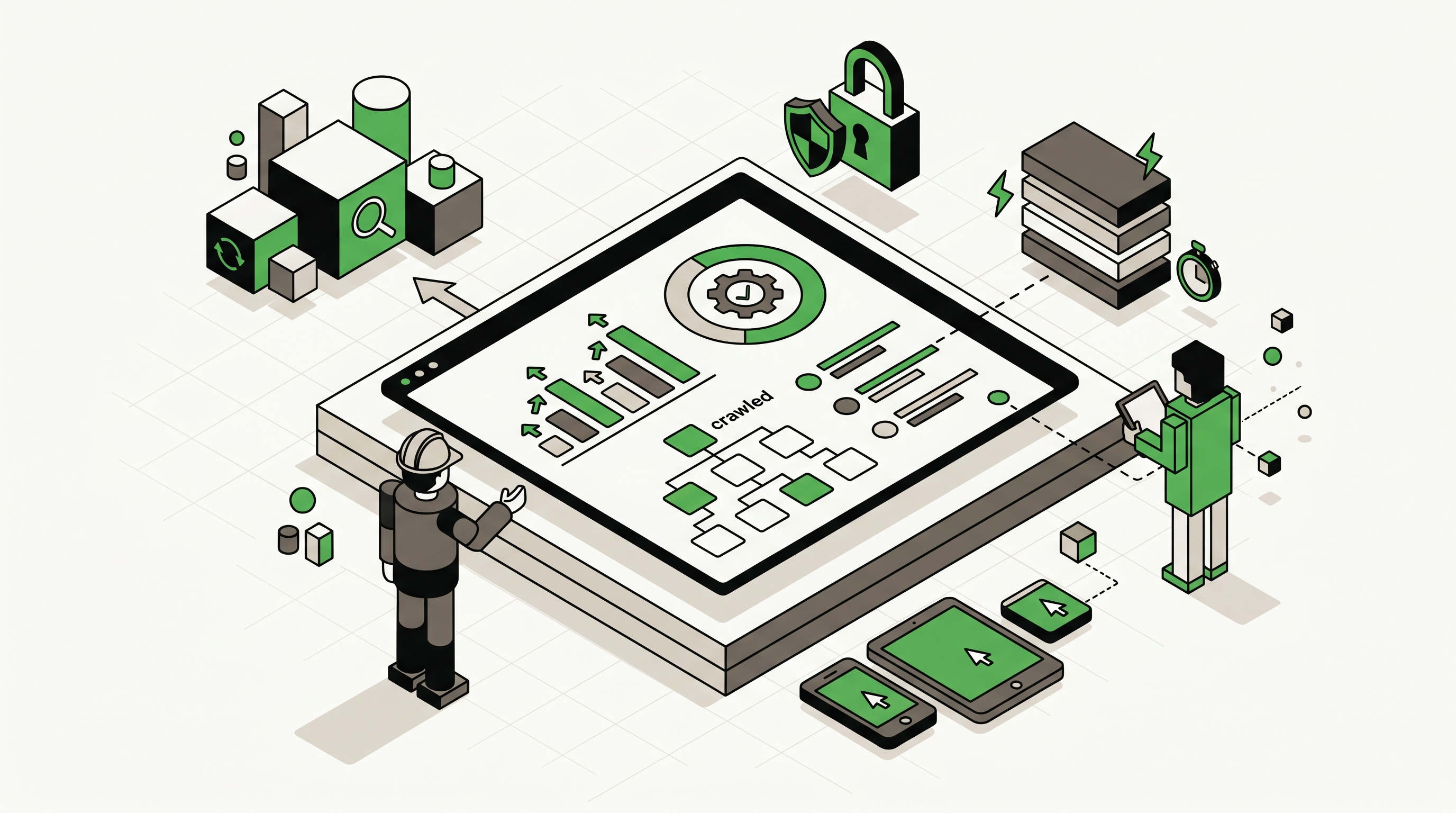
Chrome just gave marketers and developers a new signal to watch: whether a website is built for AI agents to understand and use.
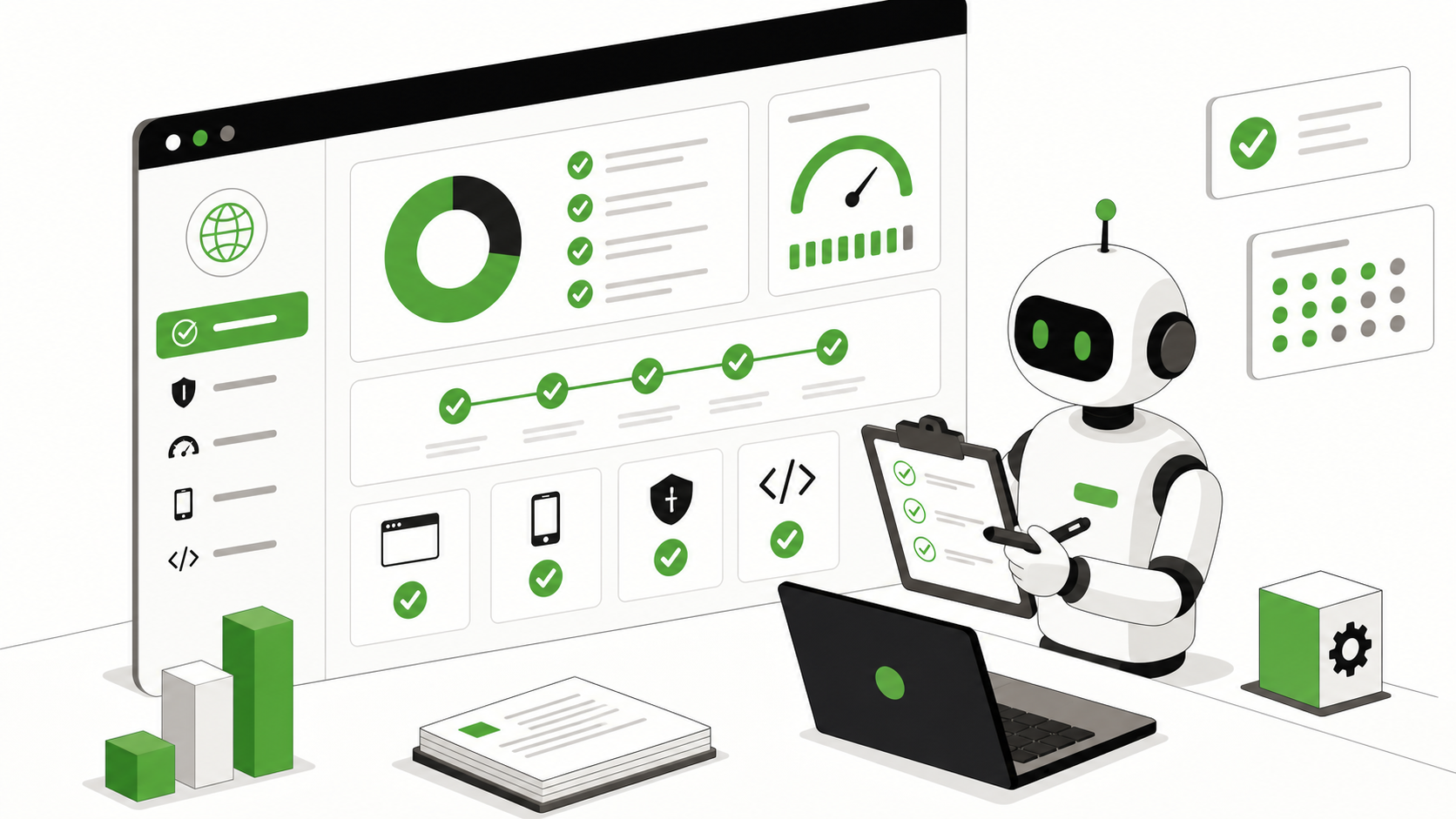
Earlier in May 2026, Chrome added an experimental Agentic Browsing category to Lighthouse. According to Chrome’s Lighthouse agentic browsing scoring documentation, the category evaluates how well a site is constructed for machine interaction through deterministic audits, using pass ratios, pass or fail status, and informational counts instead of a standard 0 to 100 score. That detail matters because it shows where the web is heading. Agent readiness is now testable, even if the scoring model is still early.
For Emarketed clients, this is not a niche developer story. It is the next technical layer after SEO and AEO. SEO made sites readable for crawlers. AEO made content easier for answer engines to cite. AAIO makes sites easier for agents to navigate, interpret, and act on. If an agent cannot parse your forms, understand your buttons, or trust the layout to stay put long enough to complete a task, your site can lose visibility and conversions before a person ever clicks.
Chrome Just Made Agentic Browsing Testable
The key shift is not that Lighthouse added one more badge for developers to chase. The key shift is that Chrome is treating machine interaction readiness as something that can be audited on purpose.
On Chrome for Developers, the new scoring page says the Agentic Browsing category and WebMCP support are experimental and based on proposed standards. It also says the audits are deterministic and suitable for CI/CD pipelines. In other words, Chrome is not describing a vague future concept. It is defining a repeatable way to inspect whether a page is understandable to software agents.
That matters for marketing teams because more discovery, comparison, and task completion is moving into AI-assisted workflows. A buyer may ask an assistant to compare agencies, summarize your services, fill out a lead form, or find the right treatment program page. Those flows depend on more than a well-written headline. They depend on machine-readable structure.
This is why technical SEO is expanding. A site can still have title tags, schema, internal links, and strong content, yet break when an agent tries to interact with it. Chrome is effectively saying that machine use is now part of web quality.
Why This Is Bigger Than A Lighthouse Score
Some marketers will glance at the update, notice there is no classic score, and dismiss it. That would be the wrong read.
Chrome says the category does not yet use a weighted 0 to 100 score because standards for the agentic web are still emerging. Instead, Lighthouse reports a fractional pass ratio, individual pass or fail statuses, and informational counts. That is a feature, not a weakness. It means the ecosystem is still deciding what reliable machine interaction should look like, while giving teams enough signal to start improving now.
The smarter way to look at this is the same way smart teams once looked at Core Web Vitals before they became mainstream boardroom language. Early diagnostics often matter more than polished dashboards. They show what platforms are about to care about.
Chrome also warns that results may fluctuate. The docs point to dynamic WebMCP registration timing, accessibility tree variability, and layout shifts as reasons a page can test differently from run to run. That tells you the issue is not just content quality. It is operational reliability. Can a machine consistently see the same page structure and the same interaction points each time it shows up?
For agencies and in-house teams, that shifts the conversation from abstract AI strategy to testable website readiness. You can audit whether the site gives agents stable coordinates, clear labels, and explicit tools. That is far more useful than another generic prediction about how AI will change search.
The Three Signals Marketers Should Care About
Chrome’s documentation breaks the issue into practical signals. Three of them matter most for marketers because each one maps to both discoverability and conversion.
WebMCP Makes Actions Legible
Chrome says Lighthouse uses the Chrome DevTools Protocol WebMCP domain to monitor tool registration events and verify both declarative and imperative tools. On the related Registered WebMCP tools page, Chrome explains that registered tools are the capabilities a site exposes to AI agents, such as booking a table or adding an item to a cart.
That is a big clue for service businesses. AI agents do not just need to read a service page. Increasingly, they need a reliable way to take the next step. If your lead form, appointment request, quote form, or intake workflow is opaque to an agent, the site becomes readable but not usable.
Chrome’s Forms missing declarative WebMCP audit is especially revealing here. Chrome says the audit identifies <form> elements that lack both toolname and tooldescription. It is informational for now, but the direction is obvious. The web is moving toward explicitly describing what a form does, not making agents guess.
For marketers, that means your highest-value forms are no longer just conversion assets for humans. They are interfaces that software may try to interpret. A contact form labeled clearly for people but thinly described in code can still be an agent dead end.
Accessibility Tree Quality Is Now A Revenue Issue
Chrome’s Accessibility for agents documentation says agents review the accessibility tree to identify interactive elements. It also says missing labels can block both users with visual disabilities and agents from completing a task.
That should reframe accessibility for marketing teams. Accessibility is not a side project for compliance. It is the machine-eye view of your website.
If buttons have vague labels, if custom UI components hide meaning from the accessibility tree, or if navigation relies on visual styling more than semantic structure, agents get a degraded version of your site. That can lead to misread CTAs, skipped options, or abandoned interactions.
In practice, this is where a lot of sites quietly fail. Teams invest in design polish and front-end effects, then bury the actual meaning of the interface under div soup, weak ARIA, and inconsistent labels. Humans can compensate. Agents usually cannot.
Layout Stability Determines Whether Agents Can Finish The Job
Chrome’s Layout stability page makes the business risk plain: agents often rely on screenshots or coordinate-based interaction, and unexpected layout shifts can cause them to miscalculate the position of a button or input.
This is not just a developer performance concern. It is a conversion concern.
If your hero image loads late and pushes the primary CTA downward, if a sticky banner appears after a delay, or if a third-party script injects content above a form, an agent can identify one target and then click the wrong one seconds later. The result is a failed action, even when the page looks fine to a person refreshing casually on a laptop.
For local businesses, healthcare brands, and B2B firms, that matters because the pages most likely to drive leads are often the same pages most loaded with moving parts: chat widgets, trust badges, review sliders, popups, embedded maps, and form handlers. Every extra unstable element increases the odds of machine confusion.
Why LLMS.txt Is No Longer A Nice-To-Have
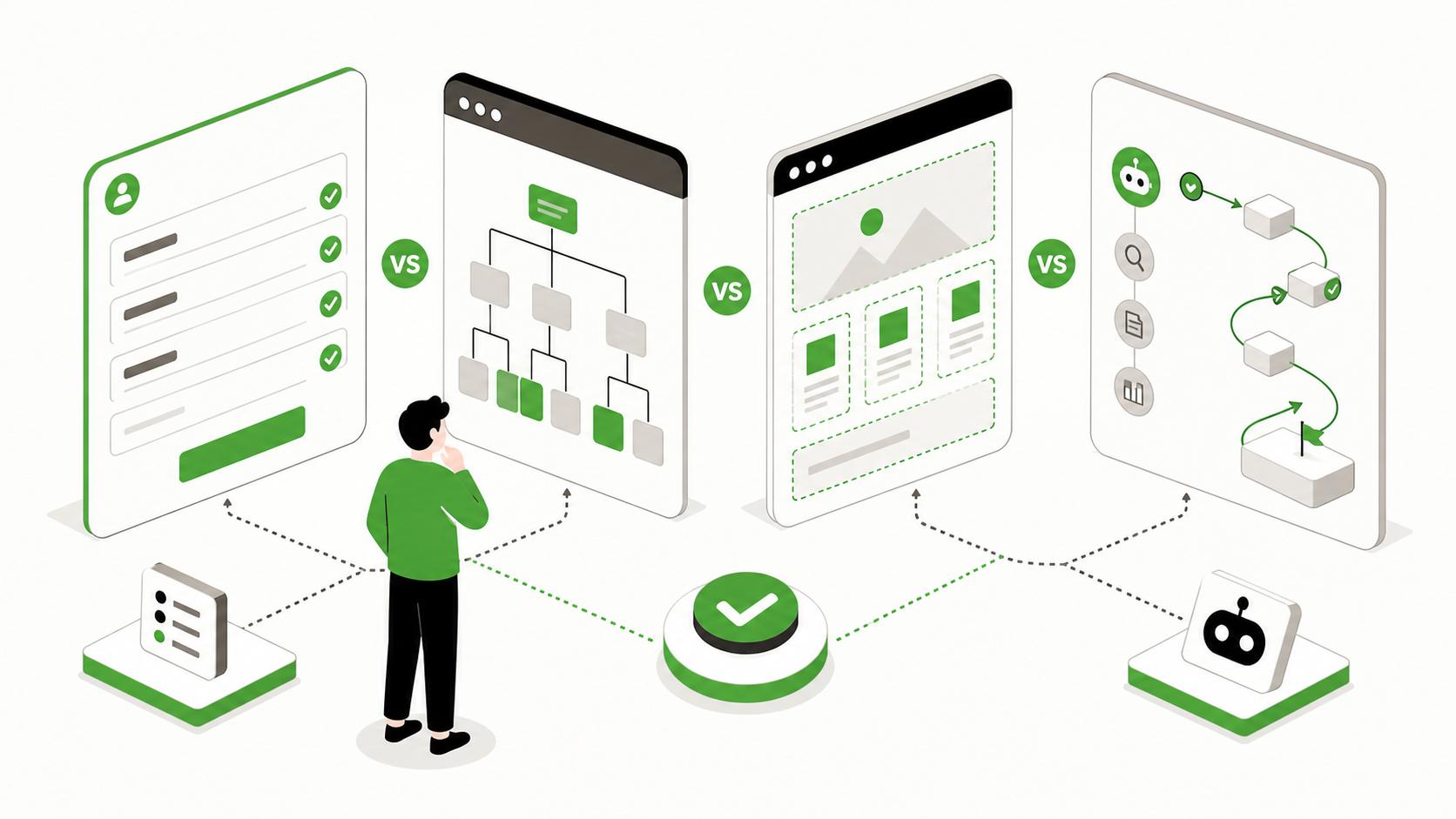
Chrome’s scoring documentation includes a discoverability check for llms.txt at the domain root. That does not mean llms.txt is a ranking cheat code. It means Chrome now considers machine-readable site summaries part of agent readiness.
The llms.txt proposal describes the file as a way to provide information that helps LLMs use a website at inference time. It is a curated map, not a sitemap replacement. The spec explains that while sitemaps list everything, llms.txt can give language models concise guidance and links to the most useful markdown resources.
That fits exactly with what answer engines and agents struggle with on many marketing sites: too much template noise, too little clarity about which pages actually explain the business.
A solid llms.txt file will not fix a weak website on its own. It will not rescue poor service pages, vague copy, or broken forms. But it does give machines a cleaner starting point. When Chrome adds the presence of llms.txt to Lighthouse’s agentic browsing audits, it is signaling that discoverability for machines should be intentional, not accidental.
This is also why businesses should stop asking whether llms.txt is proven enough to matter in a single platform’s ranking system. That is the wrong question. The right question is whether making your site easier for machines to understand is a sensible move as agents become part of search, research, and conversion flows. It is.
If you have not published one yet, Emarketed’s llms.txt generator is the fastest way to get the file in place without turning it into a science project.
What Breaks When Agents Visit A Bad Website
The failure mode here is rarely dramatic. Most sites do not fully crash for agents. They just become unreliable.
An unlabeled button might look obvious to a human because of nearby text and design context, but an agent may only see a generic action with no clear purpose. A form with custom styling and weak field descriptions may still collect leads from manual visitors while confusing automated assistance flows. A service page with thin headers and no structured FAQ may rank for a term yet give agents very little usable context to cite or summarize.
Then there is layout instability. If elements shift between identification and interaction, an agent can click the wrong button, lose the form state, or misread the next step. Add a bloated DOM, hidden accordions, or duplicated CTAs with inconsistent labels, and the odds of failure rise again.
This is where agent readiness overlaps with conversion optimization. The same pages that work best for machines usually work better for people because they are clearer, faster, and more structurally honest.
At Emarketed, we have seen how much durable trust signals matter in healthcare. Seasons in Malibu holds 4,200+ keyword rankings and 814,230 social impressions in a recent month, a full-service result that covers SEO, AEO, paid search, social, and web. The lesson is not that rankings alone solve everything. The lesson is that structured authority, stable pages, and clear trust signals compound across channels.
What To Fix First This Week
Most teams do not need to rebuild the whole site. They need to clean up the pages where discovery and conversion actually happen.
1. Add Or Update LLMS.txt
Publish a useful llms.txt file at the domain root. Include the pages that best explain your services, expertise, policies, FAQs, and contact paths. Keep it curated. Machines do not need every low-value page on the site.
2. Audit High-Intent Forms
Review quote, contact, intake, demo, and booking forms. Make sure fields have real labels, clear names, and direct descriptions. If your team is experimenting with agent-friendly workflows, start tracking how WebMCP support develops around these forms.
3. Clean Up Semantic Structure
Replace vague interactive patterns with semantic HTML wherever possible. Buttons should be buttons. Navigation should be navigation. Headings should describe the section, not just decorate the page.
4. Reduce Layout Shift On Money Pages
Check your core service, location, and contact pages for unstable elements. Reserve space for images, delay intrusive widgets, and test what happens when third-party scripts load late.
5. Strengthen Sourceable Content
Make priority pages easier to cite and summarize. Direct answers, structured FAQs, and plain-language service explanations help both AI visibility and human conversion. That is the same principle behind our AEO services and the content standards we use for answer-focused pages.
6. Start Testing As The Audits Mature
Chrome is explicit that these standards are experimental. That is not a reason to wait. It is a reason to establish a baseline now, document what changes improve pass ratios, and treat agent readiness as an emerging technical KPI.
FAQ
What Is Lighthouse Agentic Browsing?
It is an experimental Lighthouse category from Chrome that evaluates how well a site is constructed for machine interaction through deterministic audits. Instead of a standard weighted score, it currently reports pass ratios, pass or fail states, and informational counts.
Does This Replace SEO?
No. It extends technical SEO into machine interaction readiness. Traditional crawling, indexing, content quality, and authority still matter. Agent readiness adds another layer focused on whether software can understand and use the site reliably.
Does LLMS.txt Guarantee Better AI Visibility?
No. llms.txt is not a guaranteed ranking signal or shortcut. It is a machine-readable guide that can make a site easier for language models and agents to interpret, which is why Chrome now checks for its presence in agentic browsing audits.
What Is WebMCP In Plain English?
WebMCP is a way for websites to expose tools and actions to AI agents more explicitly. Instead of forcing an agent to infer what a form or interaction does, WebMCP can help describe those actions in a structured way.
Why Does Accessibility Matter To AI Agents?
Because agents often rely on the accessibility tree to identify buttons, inputs, labels, and relationships between elements. If that tree is incomplete or misleading, the agent gets a distorted view of the page.
What Should A Marketing Team Do First?
Start with the pages that drive revenue: service pages, location pages, lead forms, FAQs, and contact paths. Improve semantic structure, labels, layout stability, and llms.txt coverage before chasing more experimental features.
What To Do This Week
Run Lighthouse on your most important pages and treat the new agentic browsing category as an early warning system.
If the page is hard for an agent to interpret, it is probably harder than it should be for buyers too. Start with llms.txt, form clarity, semantic structure, and layout stability. Then tighten the content on your highest-intent pages so agents can read, cite, and act without guessing.
The companies that win this next phase will not be the ones with the flashiest AI headlines. They will be the ones whose websites are easiest for machines to trust and use.