What Is Vibe Coding? A Recap from Today's Workshop
A full recap of the April 9, 2026 Vibe Coding Workshop: what it is, the toolstack we use, and the lessons that save you headaches when building with AI.
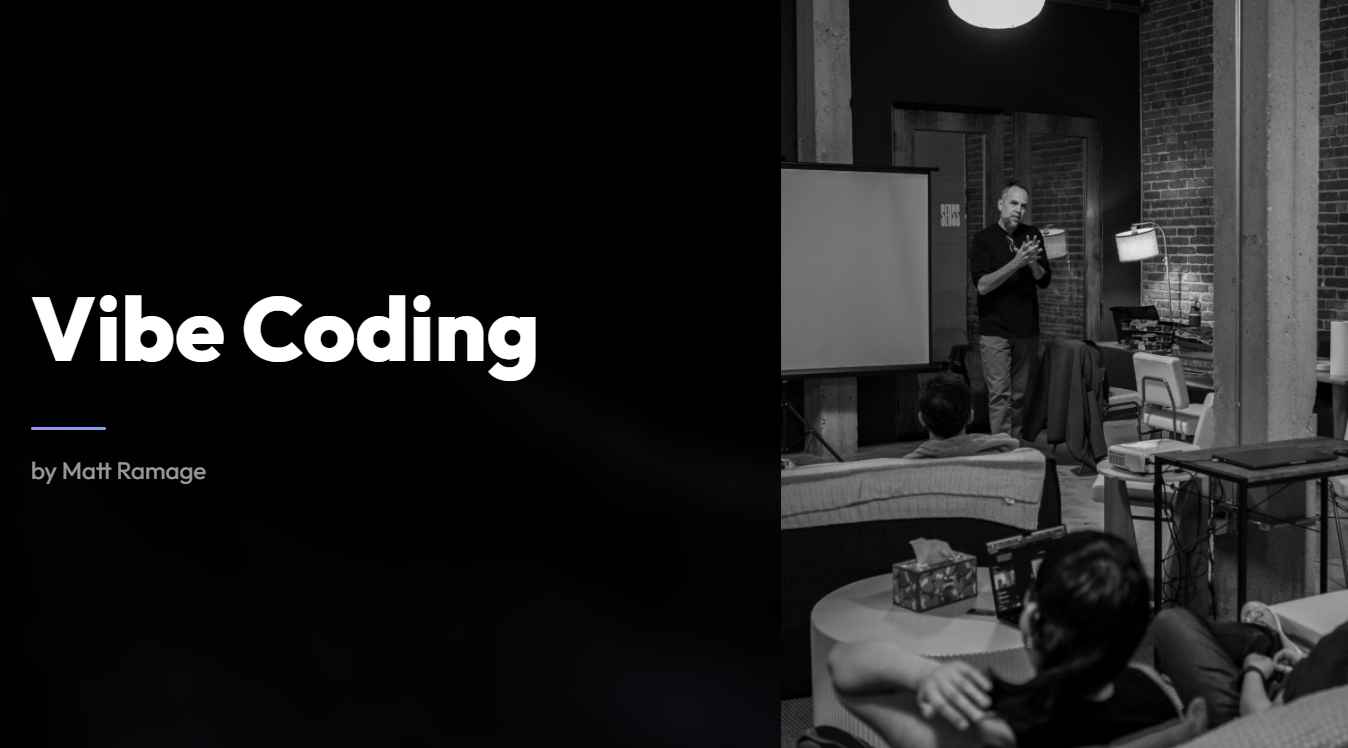
Vibe coding sounds like a buzzword, but it’s a real shift in how non-technical people can build software. The idea is simple: you describe what you want in plain English, and AI writes the code for you. No syntax memorization. No Stack Overflow rabbit holes. Just a conversation between you and a model like Claude or ChatGPT.
We ran a workshop on this today, and here’s what we covered.
View the Workshop Slides
Why We Ran This Workshop
At Emarketed, we’ve spent the last two years shifting from traditional website building to AI-driven development. What started as experimenting with AI tools turned into a daily workflow. We build client projects this way now. So when people ask how we do it, a workshop felt like the most useful answer. The goal was straightforward: show people who aren’t developers how to start building real things with AI.
The Toolstack
You don’t need much to get started, but here’s what we use and recommend:
For writing code: Claude or ChatGPT. We’ll often work inside VS Code so we can manage files and project structure while chatting with the AI in parallel.
For version control: GitHub. Every project gets a repo. Push your code there so you have a history and can roll back when things break (and they will).
For deployment: Netlify syncs directly with GitHub. Push your code, and your site or app goes live automatically.
For more complex apps: Railway handles backend infrastructure, Supabase works well for databases, and Cloudflare Workers handle automation tasks. If your app sends emails, Mailgun takes care of that.
You don’t need all of these on day one. Start with Claude, GitHub, and Netlify. Add the rest when your project demands it.
Lessons That Save You Headaches
Keep your folders organized. When you’re running multiple projects, sloppy file structure will cost you time. Name things clearly. Keep a consistent pattern.
Use screenshots when troubleshooting. If something looks wrong in the browser, take a screenshot and share it with the AI. It can read the interface and spot problems you might miss in the code itself.
Never hardcode API keys. This one can actually cost you money. If you paste an API key directly into your code and push it to a public repo, someone can find it and run up charges on your account. Use environment variables instead.
Audit your output. AI-generated code isn’t always perfect. Sometimes it uses mock data instead of real data. Sometimes the logic has gaps. Run through what it builds. Compare outputs between different models if something feels off. We’ll sometimes check the same task across Haiku, Sonnet, and Opus to see where the differences show up.
Add real logic to your forms. A contact form that just collects submissions is fine, but you can also use AI to build in filtering. Block spam. Flag automated solicitations. Make the form actually work for you instead of creating more noise.
Where to Start If You’re New to This
Pick something small and useful. A QR code generator. A simple calculator. A tool tied to a hobby. The goal isn’t to build a SaaS product on your first try. It’s to get comfortable with the loop: describe what you want, review what the AI builds, adjust, repeat.
If you want design inspiration, browse Dribbble and screenshot layouts you like. Share those screenshots with Claude or ChatGPT as a reference point. The AI can match a visual style surprisingly well when it has something concrete to work from.
One more thing: if you’re coming from a design background and already use Figma, you might also want to look at tools like Replit or Lovable. They’re built around the same AI-assisted idea but offer a more visual path to getting something live.
This post is a recap of the Vibe Coding Workshop presented by Matt Ramage, founder of Emarketed, a digital marketing agency helping businesses get found on Google, ChatGPT, Perplexity, and AI search since 1998.