Shopify App Stack Audit Before Q4
A Shopify app stack audit before Q4 helps ecommerce brands cut bloat, protect speed, clean up tracking, and stop margin leaks before traffic costs rise.

A Shopify app stack audit before Q4 is not cleanup work. It is margin protection.
Most ecommerce stores do not get bloated because one person made a reckless decision. They get bloated because every app solved a real problem at the time: reviews, bundles, subscriptions, loyalty, popups, shipping, returns, analytics, upsells, support, tax, fraud, and email capture. Then peak season arrives, paid traffic gets more expensive, and nobody is fully sure which apps are still earning their place.
That is a risky way to enter the most competitive sales window of the year. Run this audit before you scale holiday traffic.
1. Build A Real App Inventory
Start with a plain inventory, not an opinion.
List every installed Shopify app, custom app, tracking script, checkout tool, tag manager tag, and embedded widget. For each one, document the monthly cost, owner, primary job, data it touches, storefront impact, and whether it is required for Q4 campaigns.
This matters because app ecosystems change quickly. A new arXiv study on the Shopify app ecosystem, published in late August 2026, analyzed more than 24,000 app listings and found that category leadership changed hands in 92% of categories over seven years. The median exiting app peaked at only eight detected installs and disappeared from tracking within 68 weeks of launch.
That does not mean most apps are bad. It means merchants should not assume an app installed two years ago is still the best, fastest, safest, or most supported option.
Your inventory should answer three questions:
- what does this app do that directly supports revenue, retention, or operations
- who on the team owns it
- what breaks if it is removed
If nobody can answer those questions, the app belongs on the review list.
2. Check Speed Before You Blame Creative
Slow stores make good campaigns look worse than they are.
Shopify’s developer guidance on storefront performance is blunt: apps should minimize their impact on storefront performance because fast storefronts support higher conversion rates, repeat business, and better search visibility. Shopify’s help center also lists installed apps and third-party code among the biggest factors that affect online store performance.
Before Q4, test your homepage, top collection pages, top product pages, cart, and checkout-adjacent flows. Do not stop at a homepage speed score. Many app problems only show up on product templates, cart drawers, recommendation blocks, review widgets, or bundle builders.
Look especially for:
- apps adding JavaScript to every page when they only support one workflow
- widgets that delay product images or variant selectors
- popups that interfere with mobile browsing
- review or UGC tools that shift layout after the page loads
- duplicated scripts from old apps that were supposedly removed
Shopify development support often pays for itself during this kind of cleanup. The goal is not to strip the store down until it feels empty. The goal is to keep revenue-driving functionality without making every visitor pay a speed tax.
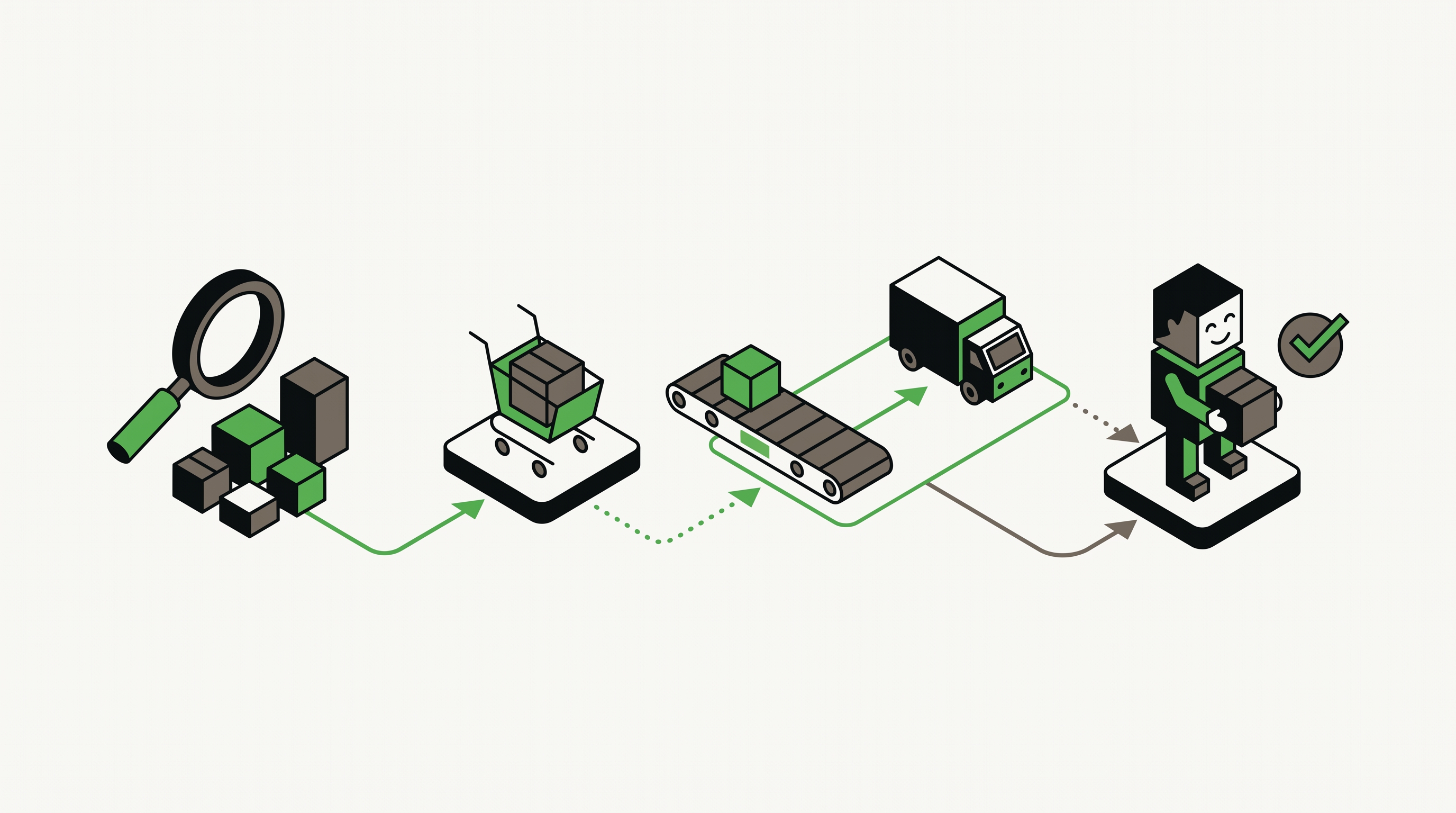
3. Map Apps To The Customer Journey
An app stack should match the buying journey, not the order in which tools were installed.
Group your apps by job:
- acquisition and tracking
- merchandising and product discovery
- reviews, UGC, and trust
- discounts, bundles, subscriptions, and upsells
- email, SMS, and retention
- support, returns, shipping, and post-purchase
- analytics, attribution, and reporting
Then look for overlaps. Two apps may both claim ownership over popups. Three tools may touch discounts. A review platform, loyalty platform, and SMS platform may all be collecting customer data without a clean source of truth.
Overlap gets expensive in three ways. It adds subscription cost. It adds storefront weight. It also creates reporting confusion when different tools define revenue, attribution, subscribers, and customer segments differently.
That is why the audit should include business questions, not just technical checks:
- Which apps directly support our Q4 offer strategy?
- Which apps improve first-purchase conversion?
- Which apps improve repeat purchase or retention?
- Which apps create data we actually use?
- Which apps have not influenced a real decision in the last 90 days?
If an app does not support a decision, a conversion path, or an operational requirement, it is probably not a growth tool anymore.
4. Review Permissions And Customer Data
Speed is not the only risk. Data access matters too.
Shopify’s documentation on installing and setting up apps tells merchants to review app data access requirements and privacy policies before installation. That review should not happen only once. If an app touches customer data, order data, discount logic, checkout extensions, or marketing consent, it belongs in a recurring audit.
Before peak traffic hits, review:
- which apps can read or write customer records
- which apps connect to email, SMS, ads, or analytics platforms
- which apps rely on a former employee’s login
- which custom apps or private integrations still exist
- which apps are no longer supported or actively maintained
This is not paranoia. It is basic ecommerce governance. The bigger your store gets, the more expensive a vague app stack becomes. One unsupported integration can break reporting. One over-permissioned app can create avoidable risk. One abandoned custom tool can block a site update right when the team needs to move fast.
5. Decide What To Keep, Replace, Or Remove
Do not turn the audit into a vague spreadsheet that nobody acts on.
Put every app into one of four buckets:
- keep because it clearly supports revenue, operations, or customer experience
- keep for Q4 but revisit after the season
- replace because the function matters but the tool is weak
- remove because it is redundant, unused, risky, or too costly
For removals, create a rollback plan. Confirm what data needs to be exported, which theme code needs to be cleaned up, which automations depend on the app, and which team needs notice. Shopify’s app management docs make uninstalling straightforward, but operational cleanup still belongs to the merchant or development team.
This is also the moment to connect the audit to broader planning. If your retention program is weak, our post on ecommerce retention before Q4 explains why loyalty, returns, and post-purchase work should come before another traffic push. If performance is the concern, run a focused website audit before campaigns ramp.
What To Do This Week
Set aside one working session and audit the stack before new holiday campaigns launch.
Start with the top 10 apps by cost or storefront impact. Pull speed data before and after major changes. Document app owners. Remove orphaned scripts. Confirm tracking still works. Make sure every tool supporting reviews, loyalty, discounts, bundles, email, SMS, and post-purchase has a clear Q4 job.
The goal is not a smaller stack for its own sake. The goal is a cleaner store that loads faster, tracks better, protects customer data, and lets the team make decisions without fighting the tools.
Traffic gets more expensive when everyone is competing for the same buyer. A leaner app stack helps more of that traffic turn into revenue.