ChatGPT Business Profiles: What the New Business Hub Means for Your Brand
OpenAI's Business Hub lets brands claim a ChatGPT business profile, add product feeds, and launch Business Agents. Here's what to do first.
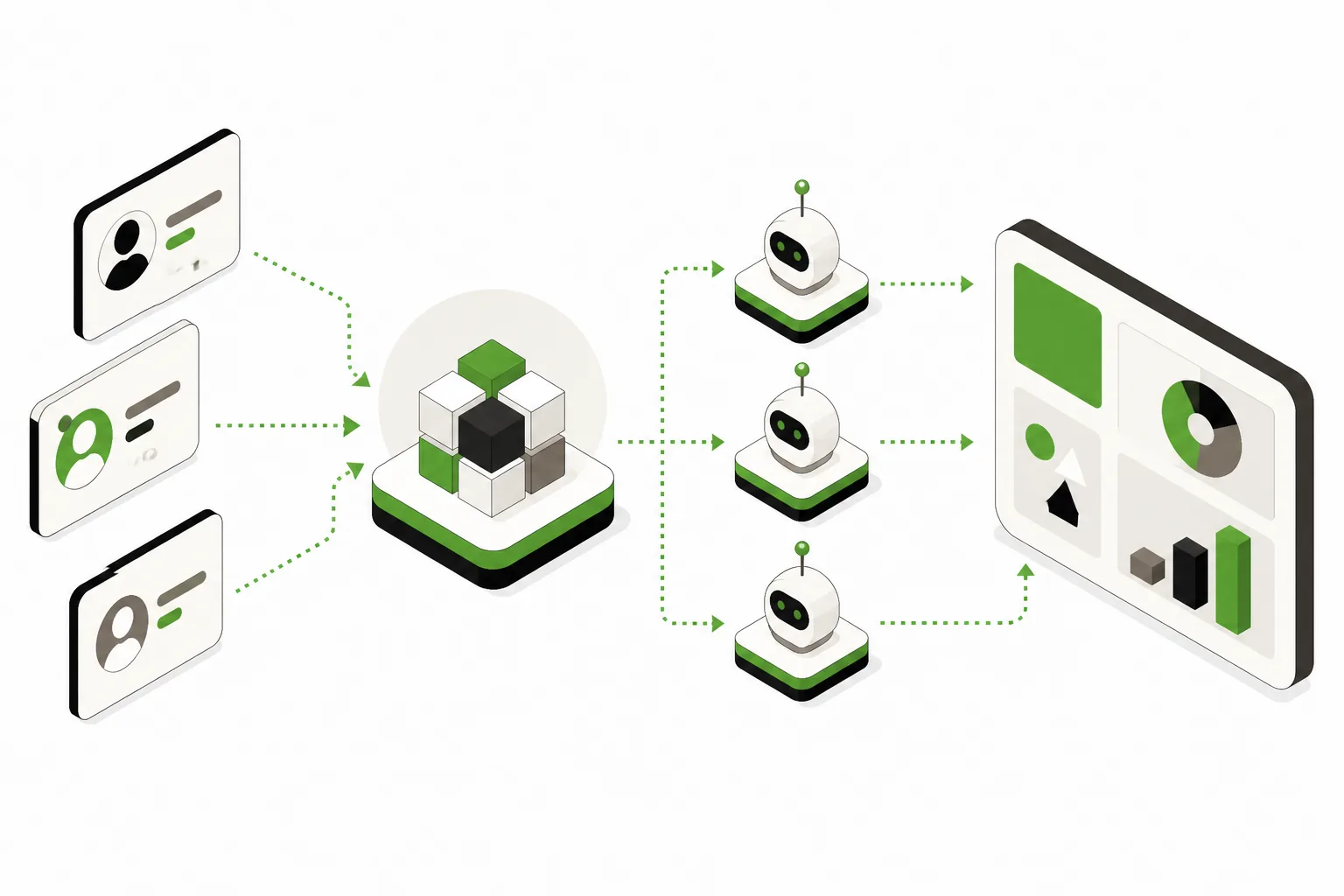
OpenAI just gave brands a real foothold inside ChatGPT, and that matters more than the novelty suggests. On November 10, OpenAI launched the beta of “Businesses in ChatGPT,” a new Business Hub where companies can claim a profile, get verified, update core business details, and in some cases launch a Business Agent inside ChatGPT itself.
For agency owners and marketing leaders, the short version is simple: the profile is table stakes, the agent is the strategic layer, and the new insights finally create a measurable path between AI visibility and site traffic. That does not mean every brand needs to build around ChatGPT tomorrow. It does mean the old question, “Can I control what ChatGPT says about my business?” just changed.
This launch is not a full copy of Google Business Profile, and it is not a guarantee of rankings, leads, or sales. OpenAI explicitly says claiming a profile does not guarantee better placement. Still, when a platform with roughly 1.2 billion weekly users opens a direct business identity layer, smart marketers should pay attention.
What OpenAI Actually Launched

The new ChatGPT Business Hub is a self-serve interface for owners and authorized representatives. According to OpenAI, businesses can claim their presence in ChatGPT, verify ownership, then manage details such as phone number, website, and hours. They can also add product feeds with pricing and availability, and Shopify merchants have a clearer path because eligible products already flow through the Shopify Catalog, with store connection available through Business Hub or Shopify admin.
That last point matters. This is not just a static listing.
OpenAI also introduced insights for claimed profiles, plus a new category called ChatGPT Business Agents. The official announcement describes the reporting as a privacy-protected set of aggregated metrics, including profile views, mentions in conversations, website clicks, and the topics where a business gets recommended. OpenAI’s own framing is telling: it describes this as “like SEO, but for an AI chatbot.”
Coverage from TechCrunch and Reuters confirms the broader positioning. OpenAI is building a business layer inside ChatGPT that looks familiar enough for marketers to understand, but different enough that old local and search playbooks will not map over perfectly.
Why This Launch Matters More Than A Simple Profile Claim

Until now, most brands had very limited control over how they appeared in ChatGPT. You could improve your site, publish clearer information, strengthen entity signals, and hope the model pulled the right details. That work still matters, and it still sits at the heart of answer engine optimization. But there was no direct business dashboard where a company could say, “These are our official details, this is our website, these are our products.”
Now there is.
That changes the conversation from pure inference to partial control. Not total control, because ChatGPT can still synthesize information from many sources and OpenAI is not promising preferential treatment. But partial control is a major shift for brands that care about accuracy, discoverability, and attribution.
If you work in healthcare, legal, home services, B2B, ecommerce, or any category where a wrong phone number or outdated offer creates real friction, a verified profile is not optional for long. It becomes basic digital hygiene, similar to how claiming a Google Business Profile became standard long before every feature in that product was mature.
How Claiming Your Business In ChatGPT Works
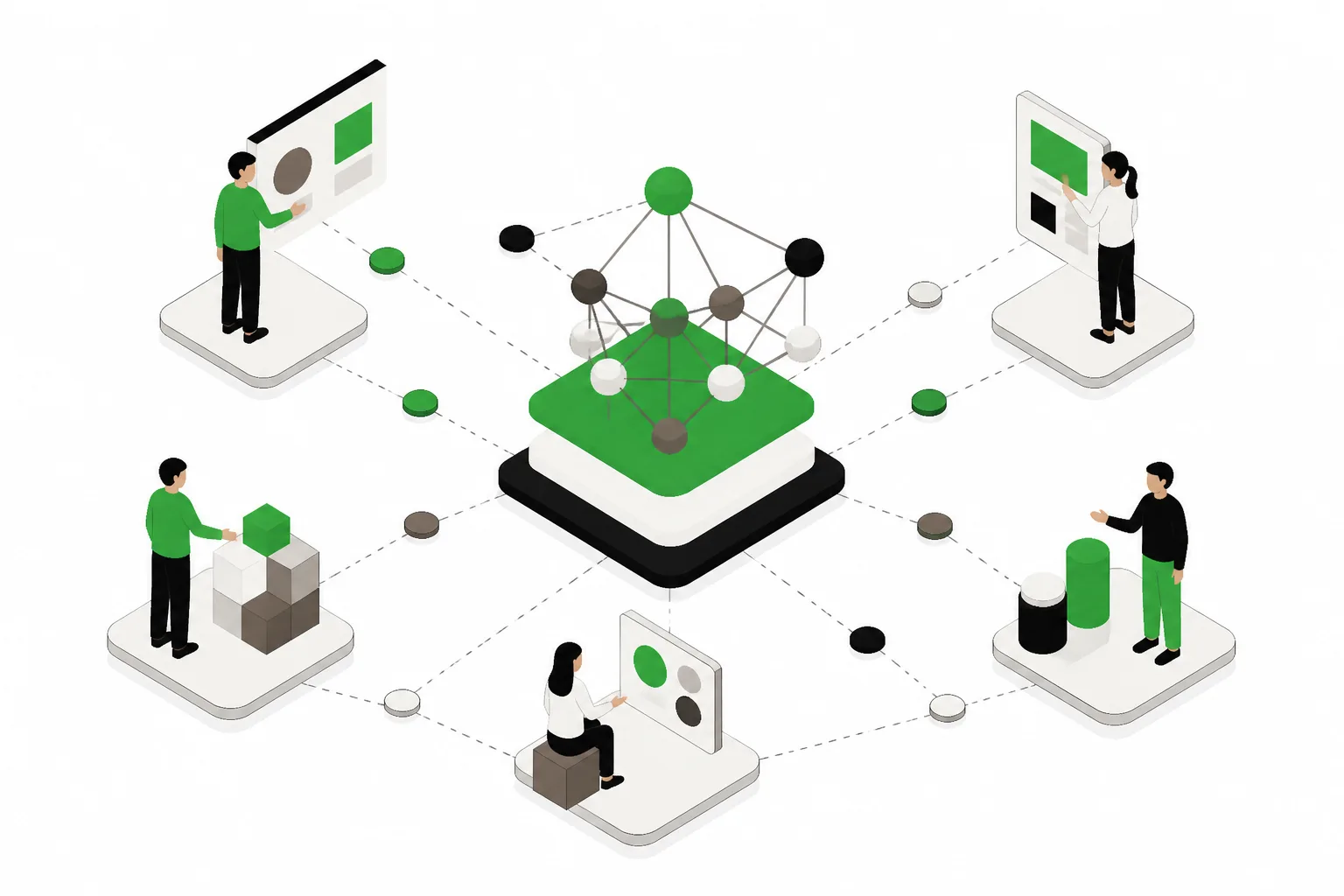
OpenAI says owners and authorized representatives can apply through Business Hub. You do not need a ChatGPT Enterprise agreement, and you do not need an ads account just to claim a listing. That lowers the barrier significantly, especially for SMBs and multi-location brands that want to test the waters without a broader platform commitment.
What You Can Control In The Business Hub
Based on OpenAI’s announcement and the practical walkthrough from VentureBeat, the current Business Hub lets companies manage:
- Verification status, which confirms the business is legitimate and represented by an authorized party
- Core business details, including phone number, website, and hours
- Product information, including pricing and availability through product feeds
- Shopify connections, either via Business Hub or Shopify admin for eligible stores and products
One important operational detail: OpenAI did not announce a developer API for this setup. Right now, configuration happens in the Business Hub interface. That means agencies should expect a manual or semi-manual workflow at first, not a clean API-driven sync across every client account.
What Marketers Should Do First
If you can claim your business in ChatGPT, do it early. Not because early access guarantees visibility, but because the first wave of profile data tends to shape how platforms understand brands. At minimum, you want your canonical website, correct hours, working phone number, and current product information in place before customers start clicking through.
For teams already investing in AI visibility, this is a good moment to benchmark where your brand stands using a tool like the AI Brand Presence Checker. The point is not to chase vanity visibility. The point is to compare what ChatGPT appears to know now versus what changes after you claim, verify, and improve your profile inputs.
What The New Insights Can And Cannot Tell You
This is one of the most useful parts of the launch, and also the easiest to overread.
OpenAI says profile owners will get aggregated insights such as profile views, business mentions in conversations, website clicks, and the topics where the business is recommended. For marketers who have struggled to tie AI search visibility to actual business outcomes, website clicks are the headline metric. They create a revenue thread where there was mostly fog before.
That does not make the reporting complete.
OpenAI also says businesses will not see individual user conversations or Business Agent chats, and insights only appear above certain activity thresholds. Those privacy guardrails are sensible, but they limit granularity. You are not getting a transcript-level attribution system. You are getting directional reporting.
What These Metrics Are Good For
The new insights can help answer practical questions:
- Are people seeing our profile at all?
- Is ChatGPT mentioning our brand in relevant conversations?
- Which topics trigger recommendations?
- Are users clicking through to the website?
That is enough to support optimization. It is not enough to replace analytics, CRM attribution, or conversion tracking.
What These Metrics Cannot Prove
Do not treat these insights like a closed-loop source of truth. They will not tell you exactly why one answer included your brand and another did not. They will not expose user-level intent. They will not show every conversation. And they definitely will not prove that a claimed profile alone caused pipeline growth.
Still, for brands investing in answer engine optimization services, this is the first native signal from ChatGPT that can connect visibility to traffic in a way leadership teams can understand. That alone makes the launch worth watching.
What ChatGPT Business Agents Are, And Who Gets Them Now
This is where the launch gets more strategic.
After a business claims and verifies its presence, eligible organizations can build, test, and launch a Business Agent that answers customer questions inside ChatGPT using the business’s own supplied information. If a business appears in a model response, users can click through to the company’s ChatGPT business profile and optionally begin a separate, clearly labeled conversation with that Business Agent.
OpenAI’s example is product comparison, where a shopper asks which features fit their needs. That is a practical use case because it keeps the interaction inside ChatGPT while giving the brand a controlled answer layer built on approved business information.
Eligibility is limited for now. Reuters reports the initial rollout is for eligible ecommerce and online service businesses in the United States, with OpenAI saying more markets and categories will follow over time. That means plenty of brands will not have immediate access, and marketers should resist assuming universal availability.
Why The Agent Matters More Than The Profile
The profile is necessary. The agent is where differentiation starts.
Every serious brand will eventually have a verified identity layer. That becomes baseline. The Business Agent is different because it can shape how a prospect evaluates products, services, fit, and next steps inside the conversation itself. That is closer to sales enablement than directory management.
OpenAI also says eligible businesses can sponsor their Business Agent as the destination for ChatGPT ads, with sponsored placements labeled. That introduces a paid acceleration path, but the more immediate implication is strategic: ChatGPT is building a stack where organic profile presence, agent experience, and paid distribution can reinforce each other.
The Google Business Profile Comparison Is Useful, But Incomplete
TechCrunch described the launch as OpenAI making ChatGPT “just a little bit more like Google,” and that is fair as a headline. The comparison helps marketers quickly understand the profile, verification, and business data parts of the product.
It also breaks down fast.
Google Business Profile is deeply tied to maps, local pack rankings, reviews, and intent that is often geographically immediate. ChatGPT Business Hub is tied to conversational discovery. A user may ask broad research questions, compare options, explore categories, or seek recommendations without the classic “near me” pattern that shapes local search.
There is another key difference. Google Business Profile never turned every listing into a potential interactive branded assistant inside the search experience. OpenAI is explicitly moving in that direction through ChatGPT Business Agents.
So yes, think of this as profile infrastructure with some Google Business Profile DNA. Just do not stop there. The better comparison is a hybrid of business listing, product feed, analytics-lite, and brand-controlled conversational layer.
Why This Changes The “Can I Control What ChatGPT Says About Me?” Question
The honest answer is still “not fully.” But it is no longer “not really.”
Before this launch, brands mostly influenced ChatGPT indirectly through public web signals, structured content, third-party mentions, and entity consistency. Those inputs still matter, and they probably matter even more now because the profile does not replace the broader information ecosystem that models learn from and retrieve from.
What changed is that OpenAI now offers an official place to establish identity, confirm key facts, provide product data, and in some cases create a dedicated Business Agent. That means marketers have more direct control over the source material ChatGPT can associate with the brand.
It is not editorial control over the base model. It is not a promise that your business will be recommended. OpenAI says that clearly. But it is a meaningful shift from passive influence to active participation.
A Practical Setup Checklist For This Week
If you are deciding whether this matters yet, keep the first sprint simple. You do not need a six-month roadmap to take advantage of what is available now.
- Claim the profile in Business Hub. Have the owner or authorized representative handle this directly so verification does not get stuck in agency limbo.
- Complete verification quickly. A half-finished profile is not a strategy.
- Fix core business details. Confirm website, phone number, hours, and any other visible business information match your canonical sources.
- Connect Shopify if eligible. If you are a Shopify merchant, review whether your catalog already flows through eligible integrations, then connect through the approved setup path.
- Audit product data. Pricing and availability are only useful if they are accurate.
- Monitor insights weekly. Watch profile views, mentions, topics, and especially website clicks for directional changes.
- Document baseline performance. Compare ChatGPT traffic and assisted conversions before and after setup in your analytics stack.
- Prepare Business Agent content. If you are in an eligible category, outline approved answers, product guidance, qualification language, and escalation paths.
For teams that need the broader foundation in place, this is also a good time to tighten your site’s answer-readiness, entity consistency, and crawlable business information. A claimed profile works better when the rest of your digital footprint is clean. If that foundation is weak, start with an AI visibility check and identify the gaps before you overcomplicate the rollout.
FAQ
Does A ChatGPT Business Profile Improve Rankings Automatically?
No. OpenAI says claiming a profile does not guarantee better placement or more sales. It gives you a verified identity layer and better control over business details, but visibility still depends on broader relevance and how ChatGPT chooses to surface businesses.
Is The ChatGPT Business Hub Available Only To Enterprise Customers?
No. OpenAI says businesses do not need a ChatGPT Enterprise agreement or an ads account to claim a profile. Owners and authorized representatives can apply through Business Hub directly.
Can Every Company Launch ChatGPT Business Agents Right Now?
No. The current rollout is limited to eligible ecommerce and online service businesses in the United States, according to OpenAI and Reuters. More markets and categories are expected later, but that expansion timeline is not fully confirmed.
Can Businesses Read User Conversations Through The New Insights?
No. OpenAI says businesses will not see individual user conversations or Business Agent chats. Reporting is aggregated and only appears above activity thresholds, which helps protect user privacy but limits detailed analysis.
Should Agencies Prioritize The Profile Or The Agent First?
Start with the profile. It is the base layer and should be treated as table stakes. If your client is eligible for a Business Agent, that is where the more interesting strategic work begins, but the agent should sit on top of verified business information, not replace it.
What Smart Brands Should Do Next
Do not overhype this launch, and do not ignore it either. The right move is to treat a ChatGPT business profile like an emerging core listing: claim it, verify it, clean the data, and watch the insights with a skeptical eye. Then, if your organization qualifies, evaluate whether a Business Agent can answer real customer questions better than a static site page or product grid alone.
For most brands, the next step is operational, not theoretical. Assign an owner, claim your business in ChatGPT, document the baseline, and decide whether your current content, product data, and analytics setup are strong enough to support this new channel. The brands that move early will not win because they showed up first. They will win because they treated Business Hub as part of a broader AI visibility system, then built the agent experience with the same discipline they bring to SEO, paid media, and conversion tracking.