Website Redesign Without Losing Rankings: The SEO Migration Checklist
Ensure a smooth website redesign without losing search rankings. Follow our SEO migration checklist to maintain organic traffic and protect your site's search equity.
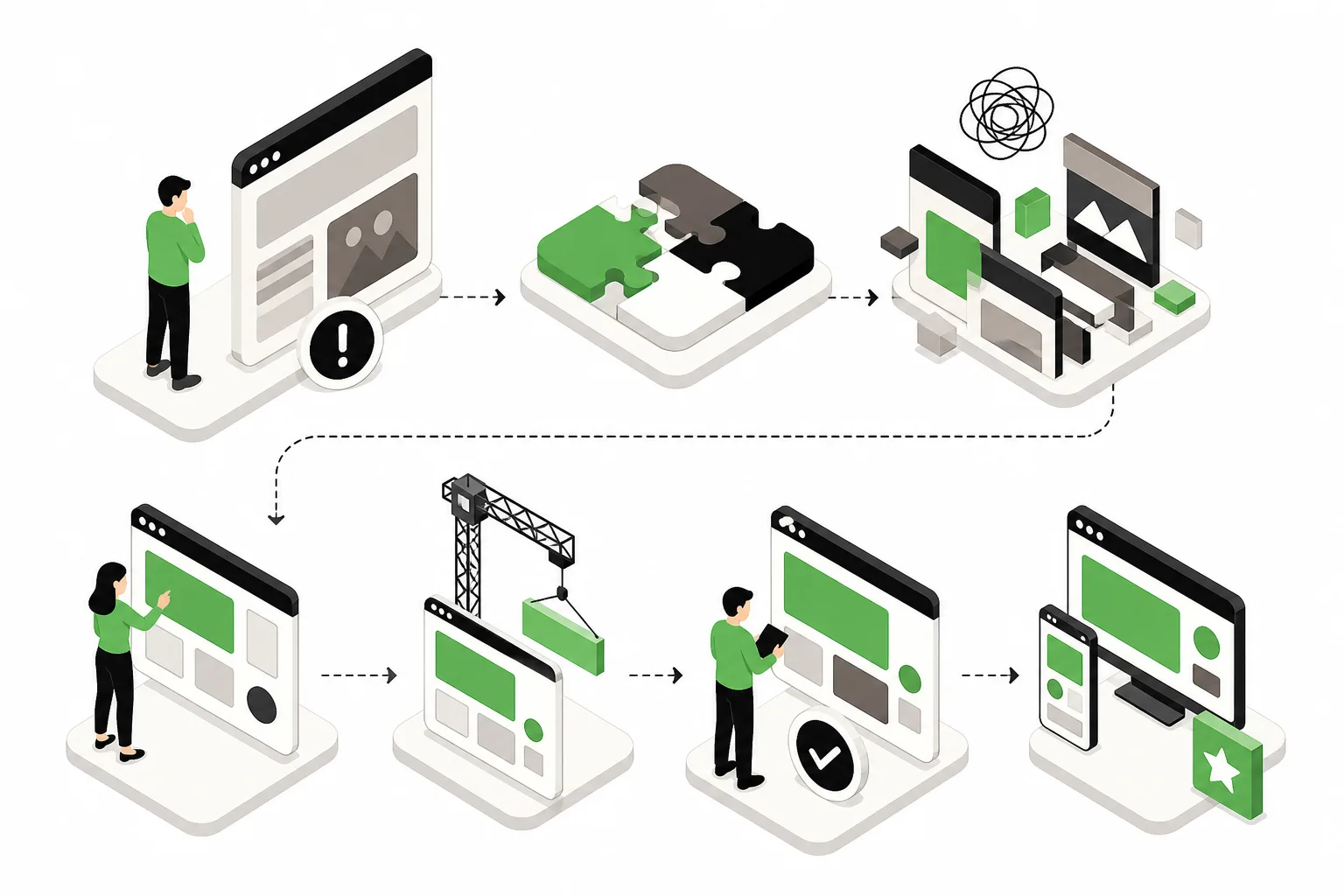
On Monday, the new site looked great. By Friday, organic traffic was down 42%, lead volume had stalled, and the team was arguing over whether Google just needed “time to catch up.” It did not. The redesign launched with broken redirects, trimmed service pages, and a navigation overhaul that quietly stripped out internal links the old site had relied on for years.
That pattern is common, and it is avoidable. A redesign should improve conversion rate, speed, and brand clarity without wiping out the search equity you already paid for with content, links, and time. If you are planning a relaunch, the job is not just design approval. It is protecting discoverability while the site changes underneath it.
This guide walks through a practical seo migration checklist in the order it should happen: URL inventory, redirect mapping, staging controls, content parity, metadata preservation, internal link validation, and post-launch monitoring. If you are handling a website redesign seo process internally or with an outside team, this is the sequence that keeps rankings from falling apart.
Why Redesigns Break Rankings So Often

Most ranking losses do not come from one catastrophic mistake. They come from a stack of small decisions that seem harmless in isolation. A deleted paragraph here, a renamed URL there, a simplified menu, a forgotten noindex tag, a redirect chain nobody tested.
Design teams usually focus on layout, branding, and CMS implementation. SEO teams focus on crawlability, indexation, internal linking, and content continuity. When those tracks are not connected, the launch goes live with technical debt baked in.
The biggest offenders are predictable:
- Unmapped URLs, which turn old ranking pages into 404s or soft 404s
- Redesigned-away content, where high-performing copy is cut because it feels repetitive or too long
- Stripped internal links, often caused by cleaner navigation, shorter pages, or card-based layouts that remove contextual linking
- Lost metadata, including title tags, meta descriptions, canonicals, and header structure
- Staging mistakes, where dev sites get indexed or production launches with noindex still active
If you want the redesign to help the business instead of creating a recovery project, treat migration planning as part of the build, not a QA task the week before launch.
Start With A Full Pre-Launch URL Inventory
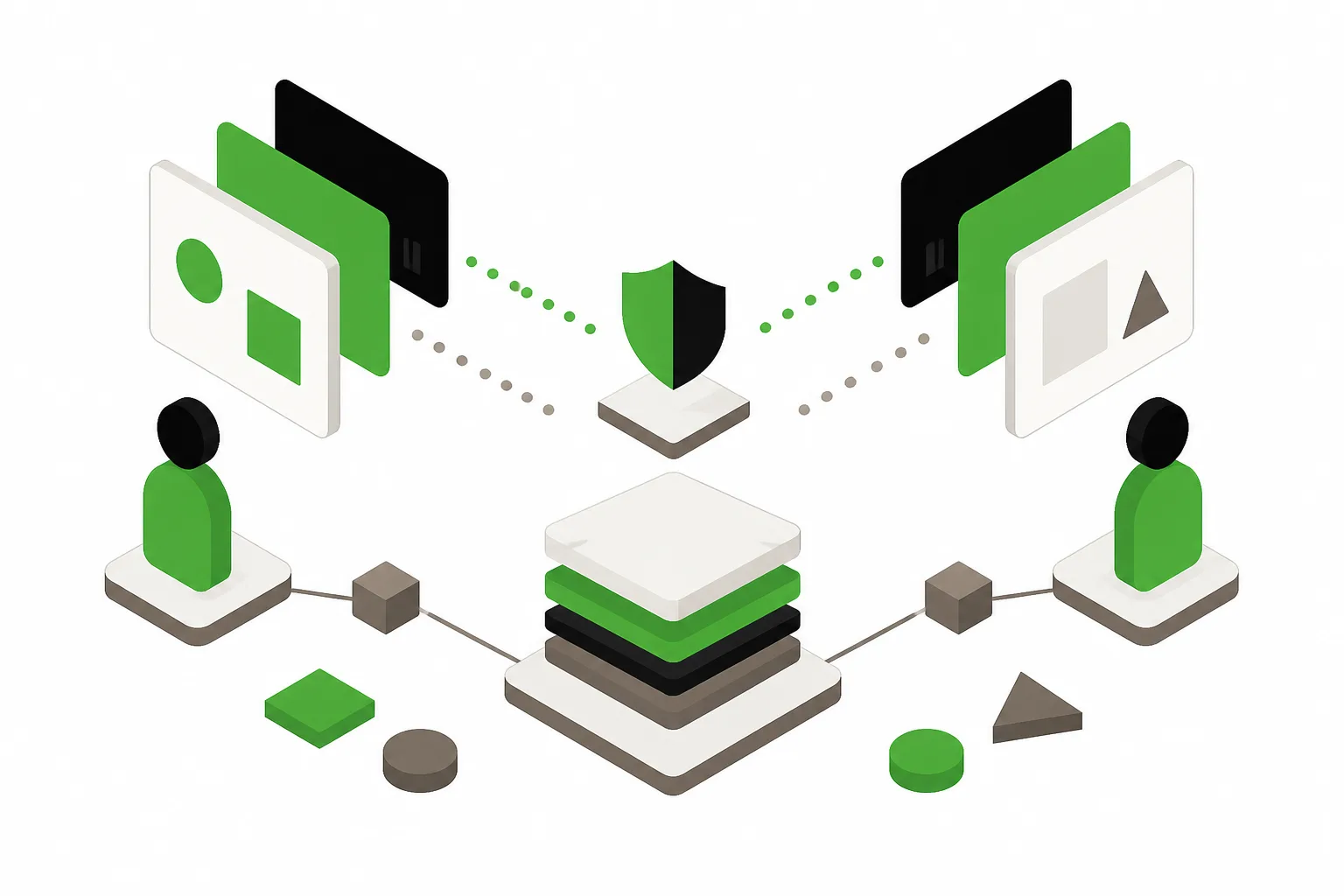
Your first deliverable is a complete list of URLs that exist today, especially the ones that already earn traffic, links, and conversions. Without that inventory, redirect mapping becomes guesswork.
What To Pull Before Anything Changes
Build a master spreadsheet with every indexable URL on the current site. Pull data from your CMS, XML sitemap, crawl software, Google Search Console, analytics, and backlink tools. Each source catches something the others miss.
At minimum, include these columns:
- Current URL
- Page type and template
- Status code
- Organic sessions or clicks
- Conversions or assisted conversions
- Primary keywords, if known
- Backlinks or referring domains
- Planned action: keep, merge, redirect, or retire
- New destination URL
This is where teams discover that pages nobody talked about are driving valuable long-tail traffic. Old location pages, resource articles, PDF assets, and niche service pages often look unimportant until you see the numbers.
Prioritize The Pages That Carry Real Equity
Not every URL deserves the same level of scrutiny. Focus first on pages with organic traffic, strong backlink profiles, branded queries, and lead activity. Those are the pages that can hurt the most if they disappear or change intent.
If you want a fast baseline on technical issues before the redesign begins, run the current site through Emarketed’s website audit tool. It helps surface crawl, performance, and metadata issues you do not want to carry into the new build.
Map Redirects Before Design Sign-Off

Redirect planning should happen while page architecture is still being finalized. If you wait until launch week, the mapping will be rushed, and rushed mappings miss edge cases.
Use One-To-One Redirect Logic Wherever Possible
Every live URL on the old site should have a clear destination on the new site unless there is a deliberate reason to retire it. The best redirect is usually the closest equivalent page, not the homepage and not a broad category page.
Here is the rule: match intent, not just topic. A page about pediatric dental sedation should redirect to the new pediatric sedation page, not the general dentistry page. A city-specific service page should not be folded into a statewide overview unless you are prepared to lose local relevance.
Avoid These Redirect Errors
- Redirecting many old pages to one generic destination
- Leaving legacy URLs to 404 because “nobody visits them”
- Creating redirect chains instead of direct hops
- Using 302s when the move is permanent
- Forgetting image, PDF, and campaign URLs that still attract links
One sentence is enough here: if a page earned authority, preserve its path to a relevant destination.
Keep A Redirect File Under Version Control
Whether your team uses a CMS plugin, server rules, or edge configuration, store the redirect map in a controlled document and test against it. The file should be owned by someone specific, not buried in email threads between SEO, design, and development.
Block The Staging Site Correctly
Staging environments are useful until Google finds them. Then they become a duplicate-content mess, and sometimes they outrank production pages because the content is cleaner or loads faster.
How To Keep Staging Out Of The Index
Use more than one protection layer. Password protection is best. Add noindex directives as backup, and block crawling where appropriate, but do not rely on robots.txt alone. Robots.txt can stop crawling while still allowing URLs to appear if other sites link to them.
Also watch for this opposite problem: the production site launches with staging protections still active. That includes noindex tags, canonical tags pointing to staging, disallowed assets, or blocked JavaScript and CSS files.
Run A Launch-Readiness Check Before DNS Or Push
Before launch, verify:
- Staging is blocked
- Production is indexable
- Canonical tags point to production URLs
- XML sitemaps reflect the new live URLs
- Analytics and tag manager are installed correctly
This is boring work. It is also the work that prevents a month of traffic loss.
Protect Content Parity Even If The Design Changes
When rankings drop after a redesign, content loss is often the hidden cause. The page still exists, the URL still resolves, but the substance that made it rank has been trimmed, merged, or diluted.
Do Not Let Design Simplification Erase Search Relevance
Designers like cleaner pages. Brand teams like tighter copy. Stakeholders like fewer words. Search engines, however, still need enough context to understand topical depth, service specificity, and location relevance.
That does not mean preserving every sentence. It means preserving the parts that carry intent: key subtopics, supporting details, FAQs, proof points, service explanations, and location modifiers where they matter.
If the old page ranked because it answered a set of related questions, the new page needs to answer them too. A prettier page with half the information is not a net improvement.
Use A Keep, Improve, Or Consolidate Framework
For each important page, decide which content elements must remain, which can be sharpened, and which can be merged elsewhere. Document that before copywriting starts. Otherwise, the launch version becomes a subjective edit, and subjective edits tend to remove the exact language that supported rankings.
This is especially important for service businesses, healthcare groups, and local brands where page-level specificity matters. If your redesign also includes a stronger positioning update, align it with the organic footprint you already have rather than replacing that footprint outright. Teams looking for both design and organic strategy support usually need those two disciplines planned together, which is why pairing web design with SEO services is often the safer route than treating search as a post-launch fix.
Preserve Metadata And On-Page Signals
Metadata migration is not glamorous, but losing it at scale can flatten click-through rate and confuse search engines about page purpose.
What Must Carry Over
- Title tags
- Meta descriptions
- H1s and major heading structure
- Canonical tags
- Image alt text where relevant
- Structured data, if implemented
- Open Graph and social metadata where marketing depends on sharing
Title tags and H1s often get rewritten during redesigns to fit brand messaging. That is fine when done intentionally. It is a problem when the CMS resets them to defaults, duplicates them across templates, or strips location and service modifiers from high-value pages.
Watch For Template-Level Damage
Template changes can create sitewide SEO issues fast. Common examples include every blog post inheriting the same title pattern, category names replacing page-specific H1s, or canonicals pointing to the wrong version of a page. One broken template can affect hundreds of URLs in a single deployment.
That is why spot checks are not enough. Validate metadata by page type: homepage, service pages, location pages, blog posts, case studies, and resource content.
Audit Internal Links Before And After Launch
Internal links are one of the first things a redesign quietly breaks. Menus get simplified, footer links are reduced, body copy is rewritten, and suddenly important pages lose the contextual signals that helped them rank.
Why Internal Links Matter More Than Teams Expect
Internal links do three jobs at once. They help search engines discover and prioritize pages, they distribute authority through the site, and they guide users to the next relevant step. Removing them can reduce crawl efficiency and weaken topical relationships between pages.
The damage is often subtle. A page may stay indexed and keep its title tag, but if ten useful internal links disappear, rankings can soften over the next few weeks.
What To Check During Migration QA
- Primary navigation links to the most important commercial pages
- Footer links still support key service, location, and trust pages
- In-content links on high-authority pages still point to strategic destinations
- No internal links resolve to redirects when they could point directly to final URLs
- Breadcrumbs function correctly and reflect hierarchy
One of the most expensive redesign mistakes is assuming navigation alone is enough. It usually is not. Contextual internal links inside relevant copy still matter, especially on service and resource pages.
Set A Post-Launch Monitoring Cadence Before You Go Live
Do not launch and wait a month to review results. The first few days tell you whether the migration held together.
The First 72 Hours
Check indexability, crawl errors, analytics, conversions, redirect behavior, canonical tags, sitemap submission, and server response codes. Review top pages manually. Search for your brand, core services, and a sample of long-tail queries that mattered before the redesign.
Look for sharp drops in impressions or clicks in Google Search Console, but do not panic over day-to-day noise. Focus on obvious breakage first: missing pages, redirect failures, accidental noindex, wrong canonicals, and internal links pointing to old URLs.
The First 30 Days
Monitor weekly, not casually. Compare the new site against the pre-launch baseline for:
- Organic sessions and landing pages
- Keyword visibility for priority terms
- Coverage and indexing issues
- 404 errors and redirect misses
- Lead volume and form completion rate
- Core Web Vitals and page speed trends
Some fluctuation is normal, especially if URLs changed or content was materially improved. A modest dip followed by stabilization can happen. A steep drop tied to specific page groups usually points to a migration problem, not a temporary algorithmic mood swing.
What Recovery Timelines Actually Look Like
If something slips, recovery depends on the cause. Redirect fixes and noindex removals can start showing improvement within days to a few weeks once crawled. Lost internal links and metadata issues may recover on a similar timeline if corrected quickly.
Content removal is slower. If key sections were cut and rankings dropped because relevance weakened, restoring or rebuilding that depth may take several weeks or longer to regain prior positions. Pages that were deleted without a strong equivalent can take even longer, especially if external links now hit dead ends.
The useful rule is simple: the faster you catch it, the cheaper it is to fix.
FAQ
Should Every Old URL Redirect Somewhere?
Nearly every valuable or previously indexable URL should. If a page had traffic, links, or strategic relevance, map it to the closest matching new page. Only retire URLs with clear intent and a deliberate plan.
Can We Change Site Structure During A Redesign?
Yes, but structural changes increase migration risk. If you are changing navigation, URL paths, templates, and copy all at once, your QA process needs to be tighter because multiple variables can affect rankings at the same time.
How Much Ranking Volatility Is Normal After Launch?
Small movement is normal. A major drop in traffic, impressions, or leads is not. If losses are concentrated on pages that changed URL, lost content, or lost internal links, assume a fixable migration issue until proven otherwise.
Do We Need SEO In The Design Phase Or Just Before Launch?
Bring SEO in early. Redirect strategy, content parity, information architecture, and template rules all get harder to fix once design and development are already locked.
What Is The Most Common Cause Of Post-Redesign Traffic Loss?
Usually a tie between unmapped URLs and content that gets removed in the name of simplification. Internal linking losses are close behind and often overlooked because they do not look broken at first glance.
Build The Launch Plan Before You Approve The Mockups
The safest redesigns are the ones where SEO migration work starts before anyone argues about fonts, modules, or hero copy. If the URL inventory, redirect map, content rules, metadata requirements, and monitoring plan are already documented, the launch becomes manageable instead of stressful.
That is also where the right partner matters. A redesign team should be thinking about structure, speed, conversion paths, and organic preservation at the same time. If you need support aligning build decisions with migration strategy, Emarketed’s web design team and search specialists can help scope the redesign around traffic protection first, then growth. When the plan is solid before launch day, rankings usually stay where they belong, and the new site gets to do the job it was built for.