Accessibility Is A Website Quality Problem
Website accessibility is now a quality issue. Use this checklist to fix forms, navigation, contrast, mobile UX, and trust before qualified leads quietly drop.
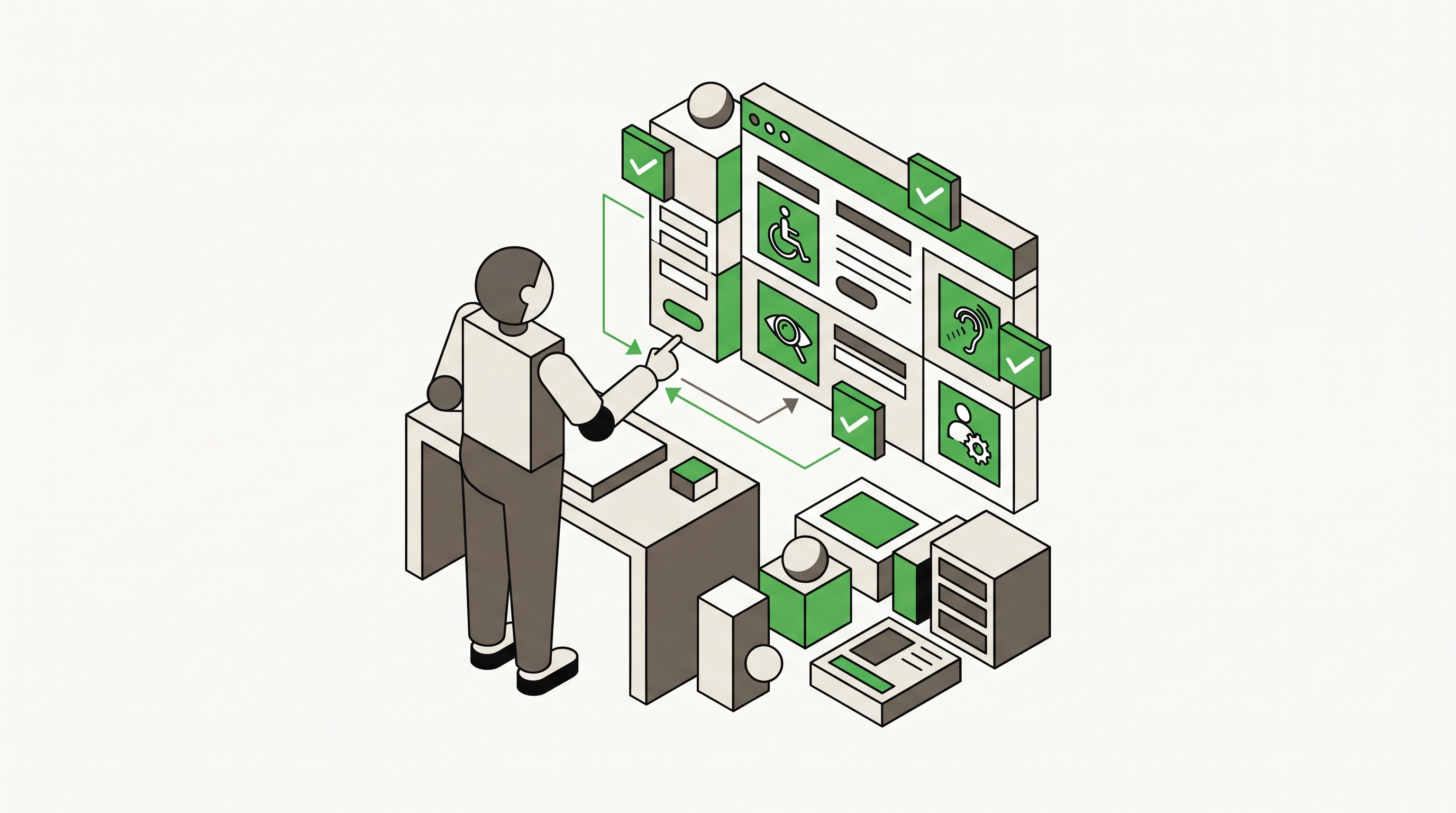
Website accessibility is not just a legal or technical issue anymore. It is a quality signal for the entire customer experience.
That matters because accessibility problems usually look like ordinary friction to the business: forms that do not submit cleanly, buttons that are hard to tap, contrast that makes text difficult to read, navigation that breaks for keyboard users, and content that is confusing when read out of visual order. The visitor does not file a bug report. They leave.
TechRadar reported this week that accessibility is increasingly being treated as a benchmark for digital quality, not just compliance. That is the right frame for marketers. If a website is hard to use for people with disabilities, it is probably also creating conversion problems for rushed buyers, older users, mobile visitors, and anyone trying to complete a task under pressure.
1. Start With The Tasks That Produce Revenue
Do not begin with a full-site accessibility audit if your team will get buried in a 90-page report. Start with the paths that affect leads and sales.
For most businesses, that means:
- contact forms
- appointment forms
- quote requests
- checkout flows
- phone and map buttons
- high-intent service pages
The question is not only whether the page passes an automated scan. The question is whether a real person can complete the task without confusion. Can they tab through the form in the right order? Are labels tied to the correct fields? Does the error message explain what to fix? Can the CTA be found without relying on color alone?
This is where accessibility overlaps with website development. A site can look modern and still fail the basic interaction layer that turns traffic into revenue.
2. Fix The Common Errors First
The web still has a basic accessibility problem. The WebAIM Million 2026 report found 56,114,377 detected accessibility errors across one million home pages, an average of 56.1 errors per page. WebAIM also reported that 95.9% of home pages had detectable WCAG failures.
That is not a niche issue. It means most websites have fixable barriers sitting in plain sight.
Start with the repeat offenders:
- missing alternative text on meaningful images
- low contrast between text and background
- empty or vague buttons and links
- missing form labels
- skipped heading levels
- popups that trap keyboard users
- menus that cannot be used without a mouse
These issues are not glamorous, but they are often the fastest wins. They also tend to improve the site for everyone. Better labels help screen readers, but they also help analytics, QA, form testing, and future site edits.

3. Test Forms Like A Visitor With Limits
Forms are where accessibility failures become lead losses.
Run each important form without a mouse. Then run it on a phone. Then increase browser zoom and try again. If the form breaks under those conditions, it is not resilient enough for real visitors.
Check for:
- visible field labels
- clear required-field indicators
- useful error messages
- logical tab order
- enough spacing between tap targets
- submit buttons that stay visible on mobile
- confirmation states that are easy to understand
This is especially important for healthcare, legal, home services, B2B, and ecommerce sites where a user may be anxious, rushed, researching for someone else, or comparing several providers at once. Accessibility turns into trust when the next step feels clear.
4. Treat Compliance As The Floor
The U.S. Department of Justice has already made digital accessibility more concrete for public entities. Its ADA web content and mobile app rule fact sheet explains that state and local governments must meet technical standards for web content and mobile apps, and the Federal Register extension moved key compliance dates to 2027 and 2028 for covered entities.
Private businesses should not read that as permission to ignore the issue. The practical lesson is simpler: accessibility expectations are getting more specific, and users are getting less patient with broken digital experiences.
The technical benchmark still matters. The W3C Web Content Accessibility Guidelines give teams a shared language for contrast, keyboard access, labels, headings, alternatives, and predictable behavior. But compliance alone is not the finish line. A page can pass many automated checks and still feel clumsy, confusing, or exhausting.
5. Add Accessibility To Your Monthly Site Maintenance
Accessibility should not wait for a redesign. It belongs in the same maintenance rhythm as speed, security, analytics, and broken-link checks.
Once a month, review a small set of pages:
- one top service page
- one lead form
- one blog or resource page
- one landing page
- one mobile checkout or appointment path if relevant
Use automated tools to catch obvious issues, then do a manual pass. Keyboard-test the page. Read the headings without the body copy. Check whether buttons make sense out of context. Review image alt text. Test the page at mobile sizes. If your team wants a quick starting point, a website audit can help surface technical and usability issues before they become a bigger rebuild.
The goal is not perfection in one sprint. The goal is to stop letting small usability failures pile up until they become a marketing problem.
What To Fix This Week
Pick your highest-value conversion path and run a focused accessibility check. Start with the page that gets paid traffic, drives local leads, or supports your most important service.
Fix the items that block action first: unlabeled fields, weak contrast, unclear errors, keyboard traps, broken mobile buttons, and vague CTAs. Then fold those checks into every future page update.
Accessibility work does not have to be framed as charity, fear, or compliance theater. For a business website, it is basic quality control. The easier your site is to use, the more likely visitors are to trust it, finish the task, and become a real lead.