Best Website Analyzer: What Actually Matters When You Audit a Site
Discover what truly matters in a website analyzer. Focus on tools that identify critical issues affecting rankings, speed, and conversions, offering actionable insights.
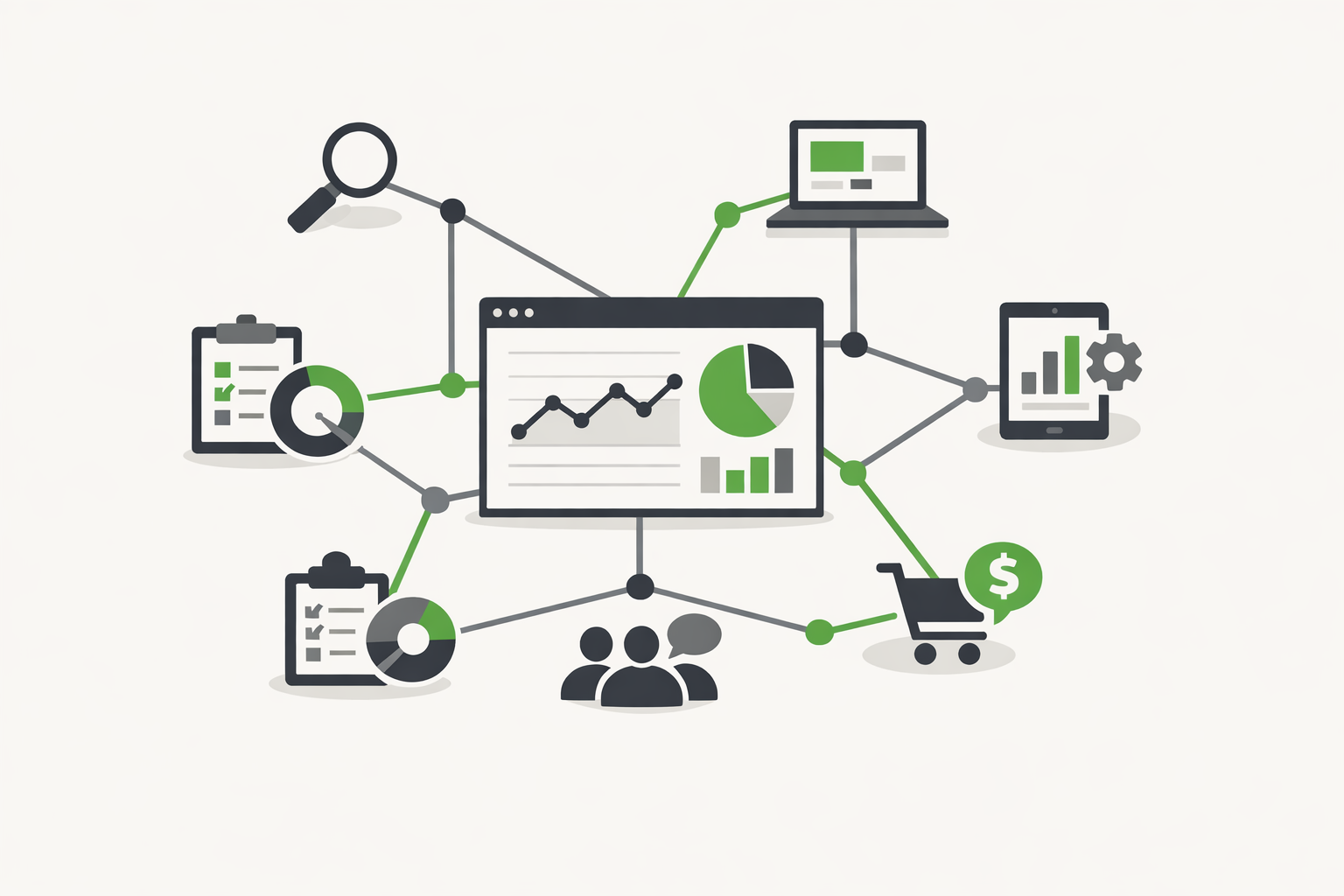
If you are trying to find the best website analyzer, ignore flashy dashboards for a minute. What matters is whether the tool helps you spot issues that affect rankings, speed, conversions, and user trust, then gives you a clear path to fix them.
Too many site audit tools dump hundreds of warnings into a report and call it insight. That is not useful for agency owners, in-house marketers, healthcare operators, B2B teams, or local businesses that need decisions, not noise. A strong website analyzer should tell you what is broken, why it matters, how severe it is, and what to do next.
This is the standard to use when comparing tools, whether you are auditing your own site or evaluating options for clients.
What The Best Website Analyzer Should Actually Do
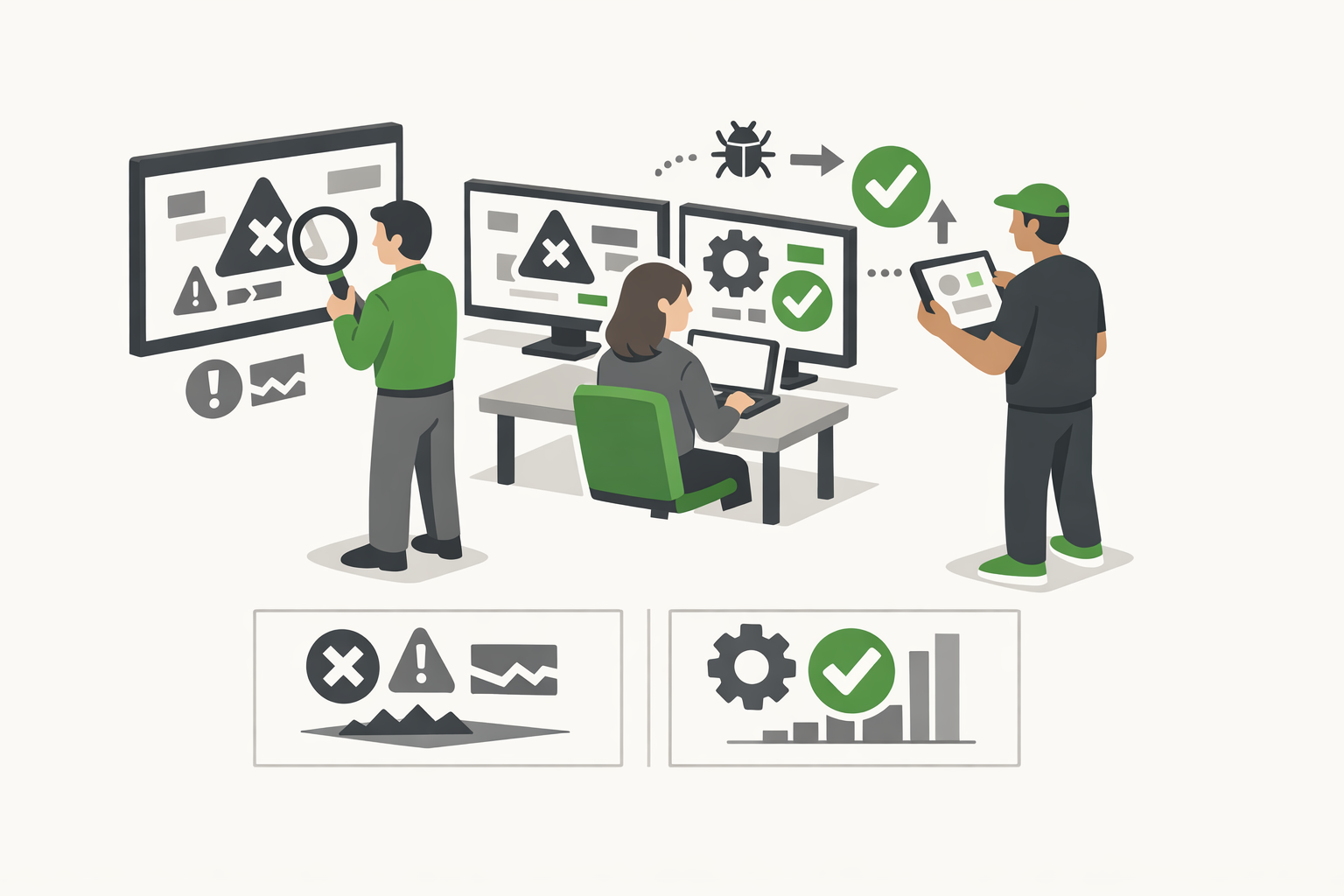
A real website analyzer is more than a crawler. It should combine technical SEO, page performance, user experience, and site health into one practical view. If it only checks metadata and headings, it is incomplete. If it only gives speed scores, it is not enough.
The best tools usually cover five core areas:
- Technical SEO: crawlability, indexability, status codes, canonicals, redirects, XML sitemaps, robots directives
- On-Page Signals: title tags, meta descriptions, heading structure, thin content, duplicate content, internal linking
- Performance: Core Web Vitals, render-blocking assets, image weight, JavaScript bloat, mobile speed
- UX And Accessibility Basics: mobile friendliness, layout shifts, missing alt text, readable structure
- Prioritization: a way to separate critical issues from nice-to-have fixes
If a tool cannot help you prioritize, it is going to waste your time. Most businesses do not need a 300-line export. They need the top ten fixes that will move the needle first.
Why Most Audit Tools Fall Short
Many platforms are built for SEO specialists, not decision-makers. That is fine if you live in crawl logs all day. It is less helpful if you run a business, manage multiple locations, or oversee marketing across channels.
Here is where weaker tools tend to fail:
- They over-report minor issues and under-explain major ones
- They separate SEO, speed, and usability into different systems
- They give generic advice with no business context
- They are hard for clients or stakeholders to understand
- They surface problems but do not suggest a practical sequence for fixes
That last point matters a lot. A healthcare practice, regional service business, or B2B company cannot always rebuild a site immediately. The best website analyzer should help you identify what to fix now, what to schedule later, and what can safely wait.
How To Evaluate A Website Analyzer Before You Trust It
Look For Actionable Reporting
The report should translate technical findings into plain English. “Multiple redirect chains detected” is not enough. A better tool explains that redirect chains slow crawling, waste link equity, and can create a worse user experience.
Good reporting also includes context. A missing meta description on one low-value page is not the same as noindex tags on important service pages. Severity matters.
Check Whether It Covers Performance And SEO Together
Search visibility and site performance are connected. Google’s documentation on Core Web Vitals makes it clear that loading performance, interactivity, and visual stability affect user experience in measurable ways.
If your audit tool separates technical SEO from speed diagnostics, you end up piecing together the real story yourself. The stronger option is a tool that shows how crawlability, content signals, and page experience overlap.
Make Sure It Works For Real Business Sites
An ecommerce store, a healthcare provider, and a local law firm do not have the same site structure or goals. The best analyzer should still catch universal issues, such as broken links, duplicate metadata, image bloat, and mobile problems, while being useful across different site types.
That is especially important for agencies. You need a repeatable system that works across client accounts without turning every audit into a custom forensic project.
The Features That Separate A Good Tool From The Best Website Analyzer
When people search for the best website analyzer, they are usually asking a more practical question: which tool will help me improve my site fastest? That comes down to a short list of features.
Clear Site Health Scoring
A simple health score is not enough on its own, but it helps stakeholders understand where the site stands. The score should be backed by transparent criteria, not a mystery formula.
Technical Error Detection
The tool should identify:
- Broken internal and external links
- 4xx and 5xx pages
- Redirect loops and chains
- Missing canonicals
- Duplicate pages or metadata
- Indexation conflicts
These are not edge-case issues. They are common problems that quietly hurt rankings and user trust.
Performance Diagnostics
Google PageSpeed Insights, available at https://pagespeed.web.dev/, is useful, but raw scores alone do not tell the full story. A stronger analyzer should connect performance issues to actual page-level recommendations, such as compressing oversized images, reducing unused JavaScript, or improving server response times.
Mobile-First Analysis
Most traffic now comes from mobile devices in many industries. Your analyzer should reflect that reality. Google’s mobile-first indexing guidance, found at https://developers.google.com/search/docs/crawling-indexing/mobile/mobile-sites-mobile-first-indexing, reinforces why mobile usability is not optional.
Practical Fix Recommendations
This is where many tools lose the plot. Telling someone an issue exists is easy. Showing them the likely impact, the effort required, and the recommended order of operations is what makes a tool genuinely useful.
Who Needs A Website Analyzer Most
Almost every business with an active website can benefit from regular audits, but some groups get outsized value from them.
Agency Owners And Consultants
You need a fast way to diagnose problems, support proposals, and prioritize retainers. The right analyzer helps you move from “something feels off” to a documented action plan.
Healthcare Facilities
Healthcare sites often carry complex service structures, location pages, provider bios, and compliance-sensitive content. Small technical issues can compound quickly across dozens or hundreds of URLs.
B2B Companies
B2B websites often underperform because of weak internal linking, slow pages, thin service content, and unclear conversion paths. A good audit makes those bottlenecks visible.
Local And Regional Businesses
For local brands, even basic issues like duplicate location pages, inconsistent metadata, and poor mobile speed can suppress visibility. A website analyzer helps uncover the sort of friction that keeps a site from competing in search.
What To Look For In The Best Website Analyzer For Small And Mid-Sized Businesses
SMBs do not need enterprise complexity for its own sake. They need clarity, speed, and direction. The strongest option is usually one that balances breadth with usability.
If you are comparing tools, ask these questions:
- Does it identify both SEO and performance issues?
- Does it explain why each issue matters?
- Does it prioritize fixes by impact?
- Can a non-technical stakeholder understand the report?
- Can I use it regularly without a heavy learning curve?
If the answer is no to two or more of those, keep looking.
For teams that want a more practical starting point, this best website analyzer approach is the right one to benchmark against: fast diagnostics, SEO and Core Web Vitals coverage, and recommendations that are easier to act on.
How To Analyze A Site Without Getting Lost In The Report
When someone wants to analyze site performance, they usually do not need more data. They need a framework. The fastest way to make an audit useful is to review the site in layers, starting with visibility, then usability, then conversion impact.
Start with the pages that matter most: homepage, service pages, location pages, lead forms, and top organic landing pages. If those pages are weak, a full-site crawl can wait. Check whether they are indexable, whether they load cleanly on mobile, whether the content matches search intent, and whether the next step is obvious to a user.
Then move into sitewide patterns. One broken title tag is a cleanup task. Hundreds of duplicate titles usually point to a template problem. One slow page might be a media issue. A whole section with poor performance often means bloated scripts, weak hosting, or poor theme architecture.
Use A Simple Priority Stack
A practical site analysis should sort findings into four buckets:
- Critical: issues that block crawling, indexing, or lead generation
- High Impact: fixes likely to improve rankings, speed, or conversions quickly
- Structural: deeper problems involving templates, navigation, or content architecture
- Low Priority: cosmetic or minor issues that can wait
This keeps teams from wasting time on low-value warnings while major problems stay unresolved.
What To Check When You Analyze Site Health
A thorough site review should answer a few direct questions. Can search engines crawl the site efficiently? Can users complete key actions without friction? Does the content support the business goal of each page? If the answer is unclear, the audit is incomplete.
Crawl And Indexation Signals
Check for pages blocked by robots directives, accidental noindex tags, thin archive pages, duplicate URLs, and weak internal linking. Also compare what the crawler finds with what is actually indexed in Google Search Console. A gap between those two often reveals wasted crawl budget or pages that search engines do not trust enough to keep indexed.
Content Quality And Intent Match
Analyzing a site is not just technical. Review whether each important page targets a clear topic, answers the likely user question, and supports the next action. Many pages rank poorly because they are vague, thin, or built around company language instead of search language. Strong content structure, useful subheads, and specific proof points usually matter more than adding extra keywords.
Conversion Friction
A site can be technically clean and still underperform. Look for weak calls to action, cluttered layouts, hard-to-use mobile forms, missing trust signals, and slow paths to contact. For local businesses and healthcare providers especially, friction on mobile contact actions can cost real revenue.
Common Mistakes People Make When They Analyze A Site
The biggest mistake is treating every issue as equal. It is not. A missing alt tag and a broken primary navigation do not belong in the same priority tier. Another common problem is relying only on one tool. Crawlers, PageSpeed diagnostics, analytics, and Search Console each show a different part of the picture.
There is also a tendency to focus on scores instead of outcomes. A site does not need a perfect audit score. It needs to be crawlable, fast enough, easy to use, and aligned with the queries that drive business.
What To Do After The Audit
Turn the findings into a fix plan with owners, deadlines, and expected impact. Start with issues that affect indexing, user experience on core pages, and conversion paths. If your report does not end with a prioritized action list, you have not really analyzed the site, you have just collected problems.
FAQ
What Is A Website Analyzer?
A website analyzer is a tool that reviews your site for technical SEO issues, on-page problems, performance bottlenecks, and usability concerns. The goal is to identify what is hurting visibility or conversions and point you toward fixes.
What Makes The Best Website Analyzer Different From A Basic SEO Checker?
A basic checker may only scan titles, headings, and metadata. The best option goes further by evaluating crawlability, indexation, page speed, mobile experience, and issue prioritization in one report.
How Often Should You Run A Website Audit?
For most businesses, monthly is a good baseline. You should also run an audit after a redesign, a CMS migration, major template changes, or a noticeable drop in traffic or leads.
Can A Website Analyzer Improve Rankings By Itself?
No. The tool identifies issues, but rankings improve when you fix what the audit finds. Think of it as diagnosis, not treatment.
Is A Free Website Analyzer Good Enough?
Sometimes, yes. A free tool can be enough if it covers the fundamentals well and gives useful recommendations. What matters is the quality of the analysis, not whether there is a paywall attached to it.
What Is The First Thing To Check In A Site Analysis?
Start with indexability and page accessibility. If key pages cannot be crawled, indexed, or loaded properly, everything else is secondary.
Can You Analyze A Site Without Paid Tools?
Yes, to a point. Google Search Console, Google Analytics, and PageSpeed Insights can reveal a lot. Paid crawlers and audit platforms help you scale and spot patterns faster.
What Matters More, SEO Issues Or Speed Issues?
Neither in isolation. If pages are not indexable, speed will not save them. If pages rank but load poorly or frustrate users, traffic will not convert. The right analysis connects both.
How Long Does A Good Site Analysis Take?
For a small site, a focused review can take a few hours. For larger or more complex sites, especially multi-location, ecommerce, or healthcare sites, expect a deeper analysis to take significantly longer because templates, page types, and compliance factors all need review.
Choose A Tool That Helps You Act, Not Just Observe
The best website analyzer is not the one with the longest report or the most charts. It is the one that helps you find real problems, understand their impact, and fix the right things first.
If you are reviewing your own site, start with a full audit and look for patterns, not isolated warnings. If you want a starting shortlist of specific tools to run those audits, see our roundup of the best free website audit tools. If you manage multiple sites or client accounts, standardize around a tool that makes prioritization easy and reporting clear. That is how audits stop being routine checklists and start becoming a real source of growth.